Change Password
Regularly changing your password helps keep your CleverAlert account secure. You can change your password at any time from within the app, as long as you know your current password. If you have forgotten your current password, use the forgot password option on the sign-in screen instead (see Sign In).
How to Change Your Password
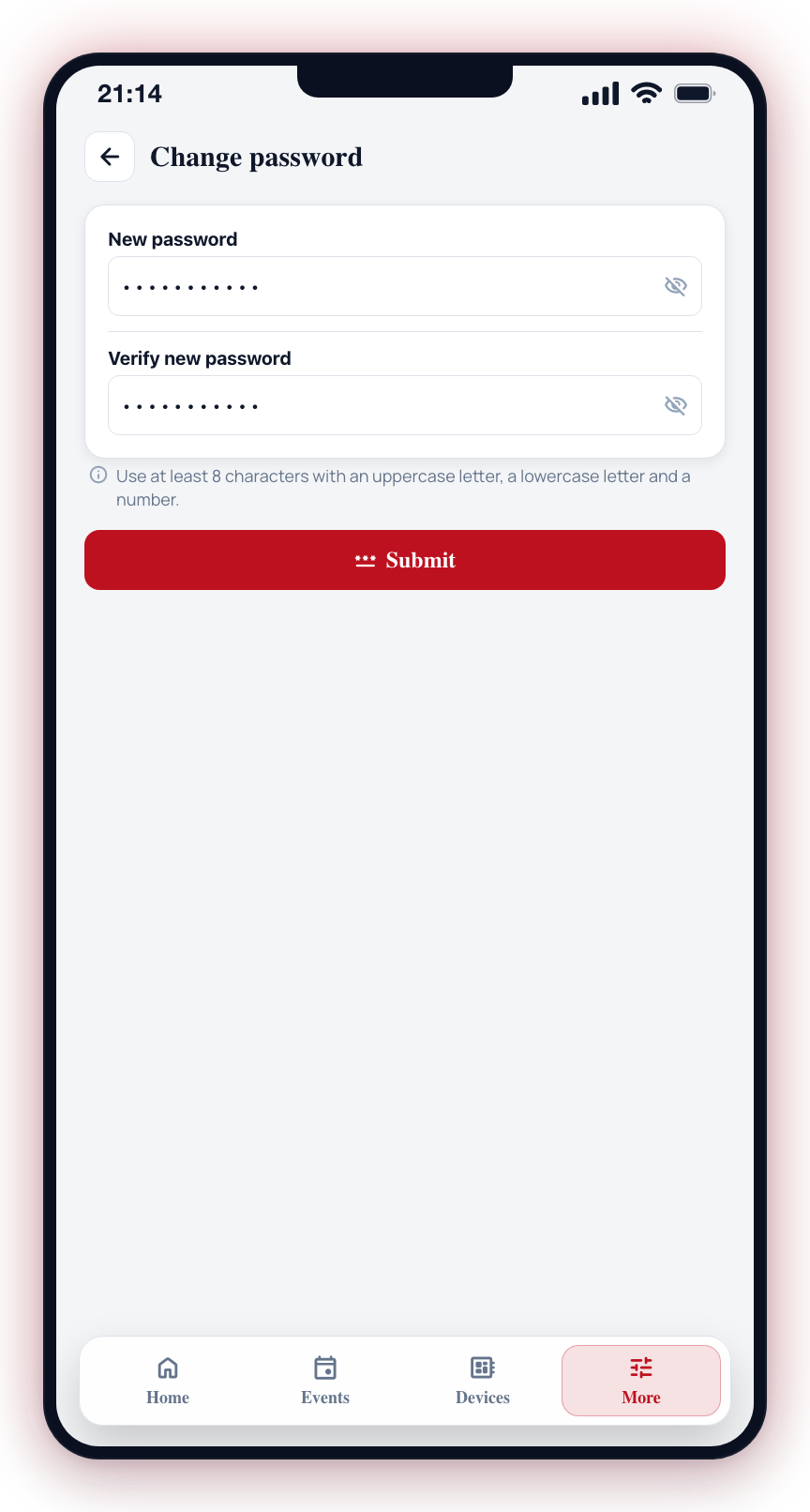
- Open the More tab from the bottom navigation bar.
- Under Account, tap Change Password.
- Enter your current password in the first field. This confirms your identity before the change is applied.
- Enter your new password in the second field.
- Enter your new password again in the confirm password field to ensure it matches.
- Tap Save (or Update Password).
- If the change is successful, you will see a confirmation message.
- Your new password takes effect immediately. Use it the next time you sign in.
Password Requirements
Your new password must meet the following criteria:
- At least 8 characters long
- Contains at least one uppercase letter (A-Z)
- Contains at least one lowercase letter (a-z)
- Contains at least one number (0-9)
Tips for a Strong Password
- Use a password that is at least 12 characters long for better security.
- Include a mix of letters, numbers, and special characters.
- Avoid using personal information (names, birthdays, addresses).
- Do not reuse passwords from other accounts.
- Consider using a password manager to generate and store strong, unique passwords.
What Happens After Changing Your Password
- You will remain signed in on the device where you changed the password.
- You may be signed out on other devices. If so, sign in again with your new password.
- Biometric login will continue to work, updated to use the new password.
- If you need to reset your password in the future, it is the new password that will be replaced.
warning
If you suspect your account has been compromised, change your password immediately and review the user list for your site to ensure no unauthorized users have been added.
info
If you cannot remember your current password and cannot sign in, use the Forgot Password option on the sign-in screen to reset your password via email.