Monitoring Modes
Every site in CleverOps has a monitoring mode that determines how security events are handled — specifically, who receives event notifications and who is responsible for responding. Choosing the right mode for each site is an important decision that affects the customer experience, your control room workload, and how quickly incidents are addressed. CleverOps supports three monitoring modes.
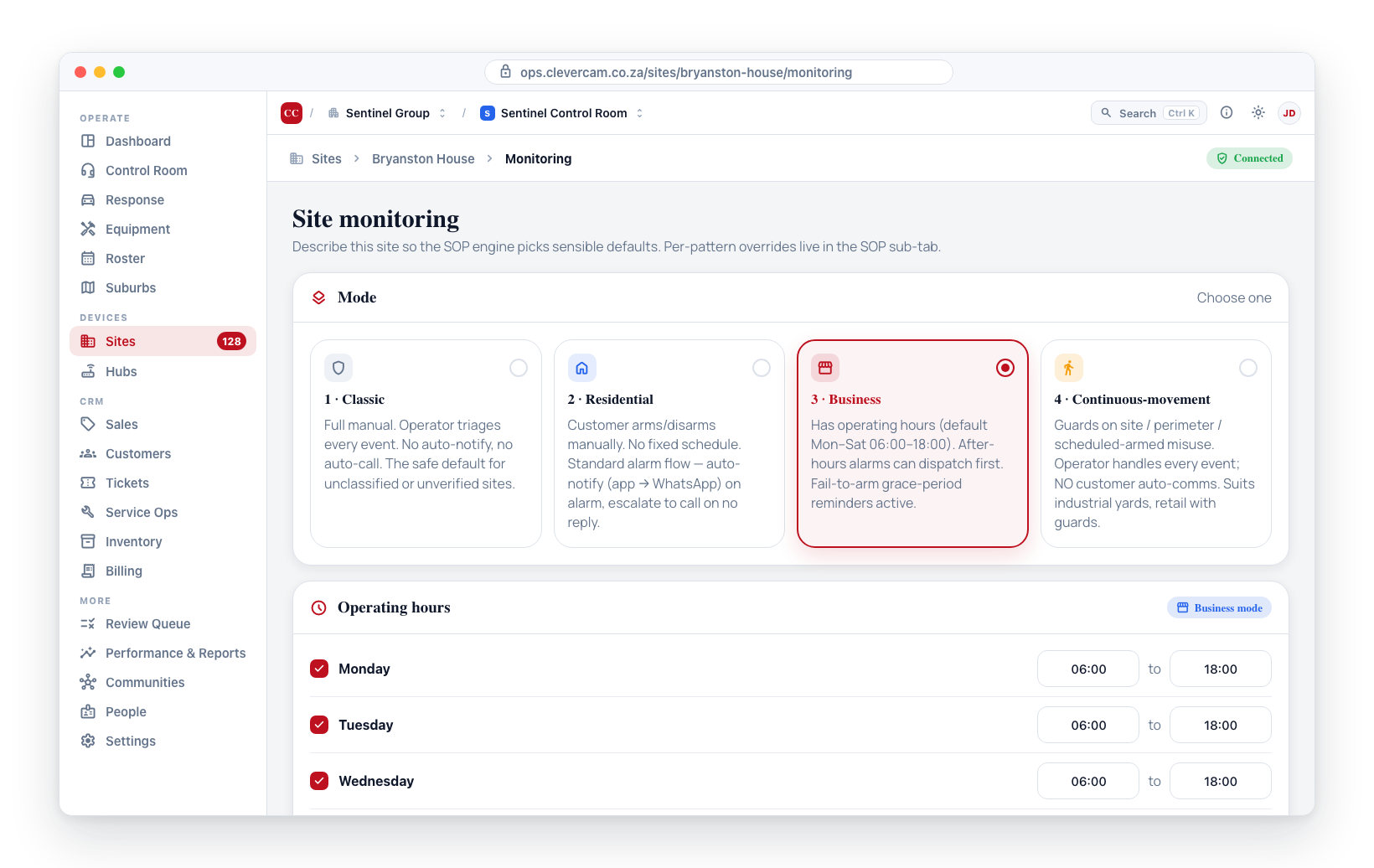
The Three Monitoring Modes
Full Monitoring
Full Monitoring means your control room takes primary responsibility for all events at the site. When a camera detects an event (intrusion, motion, tamper, etc.), the alert goes directly to your control room operators in CleverCommand. Operators assess the event, verify the footage, and dispatch a response unit if needed.
Best for:
- Commercial properties that require 24/7 professional monitoring
- High-security sites where every event must be reviewed by trained operators
- Customers paying for a premium monitoring service
How it works:
- An event is detected at the site (camera alert, sensor trigger, etc.).
- The event appears in CleverCommand for your control room operators.
- An operator reviews the event, checks camera footage, and decides on action.
- If a response is needed, the operator dispatches a response unit.
- The site owner may be notified based on the communication settings.
Self Monitoring
Self Monitoring puts the site owner in the primary response role, with your control room as a backup. Events first go to the site owner (via the CleverAlert app or notifications). If the site owner does not acknowledge the event within a defined time window, it escalates to your control room for handling.
Best for:
- Residential customers who want to be the first to know about events at their home
- Cost-conscious customers who want a lower-tier monitoring package
- Sites where the owner is usually present and can assess situations quickly
How it works:
- An event is detected at the site.
- The site owner receives a notification on their device.
- The owner can view the camera feed and acknowledge or dismiss the event.
- If the owner does not respond within the configured time window, the event escalates to your control room.
- Your operators then handle the event as they would in Full Monitoring mode.
No Monitoring
No Monitoring sends events directly to the site owner without any involvement from your control room. Your monitoring centre still manages the site's Clever Hub and cameras, but event handling is entirely the owner's responsibility.
Best for:
- DIY security customers who only need hardware and cloud services
- Low-risk sites where professional monitoring is not required
- Sites in a trial or setup phase before activating full monitoring
How it works:
- An event is detected at the site.
- The site owner receives a notification directly.
- No alert is sent to your control room.
- The owner manages the situation independently.
Comparison Table
| Feature | Full Monitoring | Self Monitoring | No Monitoring |
|---|---|---|---|
| Primary handler | Control room | Site owner | Site owner |
| Control room receives events | Yes, immediately | Yes, on escalation | No |
| Response dispatch | By operators | By operators (escalated) | Not available |
| Operator workload | Highest | Moderate | None |
| Customer autonomy | Low | High | Full |
Changing a Site's Monitoring Mode
To change the monitoring mode for an existing site:
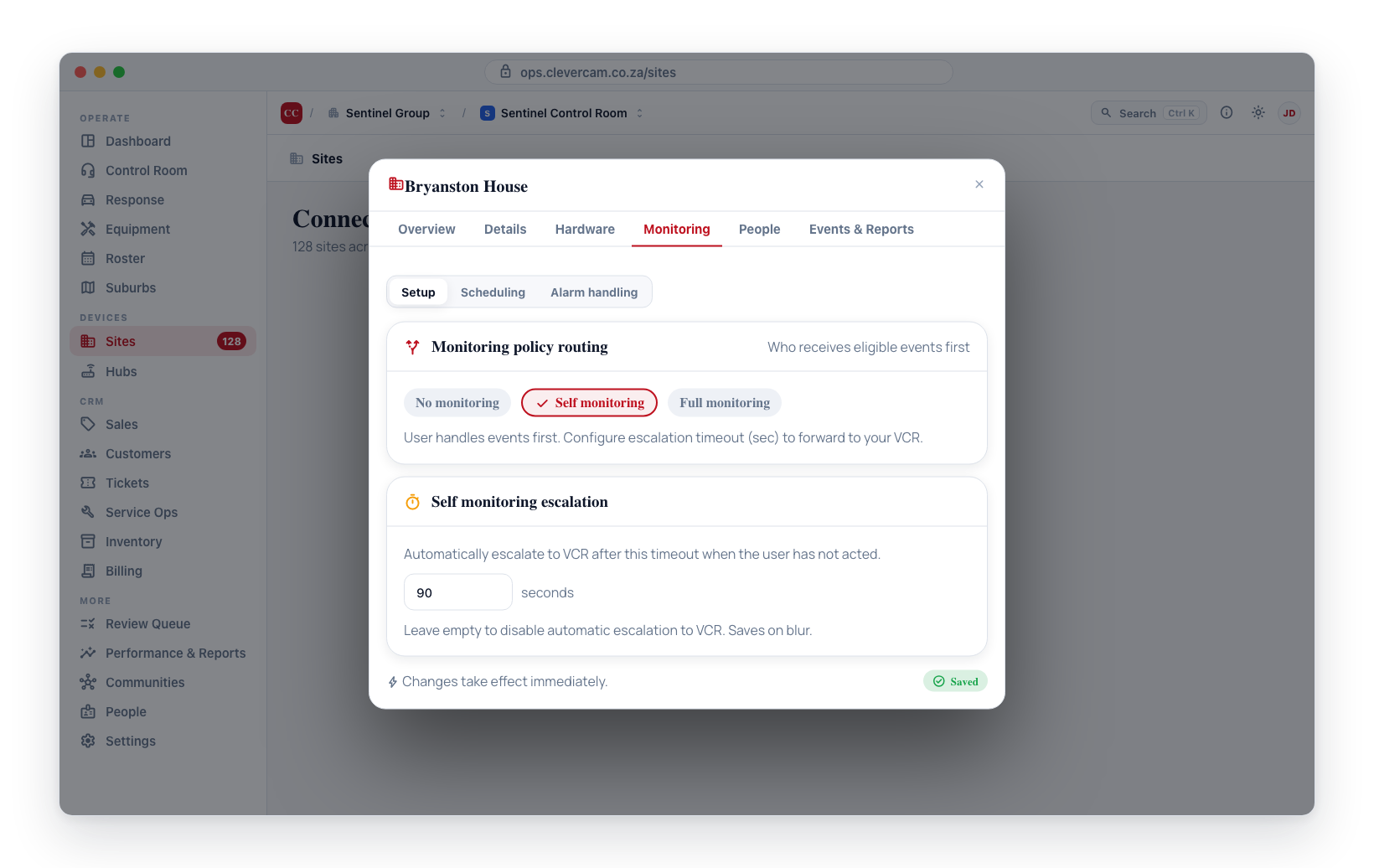
- Navigate to Sites > Connected Sites.
- Click on the site you want to update.
- Open the site's Monitoring tab and stay on the Setup sub-tab.
- At the top is a Monitoring card with three buttons: No monitoring, Self monitoring and Full monitoring. The current mode is highlighted.
- Click the mode you want. There is no Save step — the change is written the moment you click, and picking Self monitoring reveals the escalation timeout beneath it.
Changing a site's monitoring mode takes effect immediately. If you switch from Full Monitoring to No Monitoring, your control room will stop receiving events for that site right away. Make sure the site owner is aware of the change.
Choosing the Right Mode
When deciding which mode to assign, consider:
- Customer expectations — What level of service is the customer paying for?
- Control room capacity — How many events can your operators handle? Full Monitoring sites generate the most operator workload.
- Site risk level — Higher-risk sites generally benefit from Full Monitoring.
- Response coverage — Make sure you have response units available in the site's area if events will be dispatched.