ISP Views
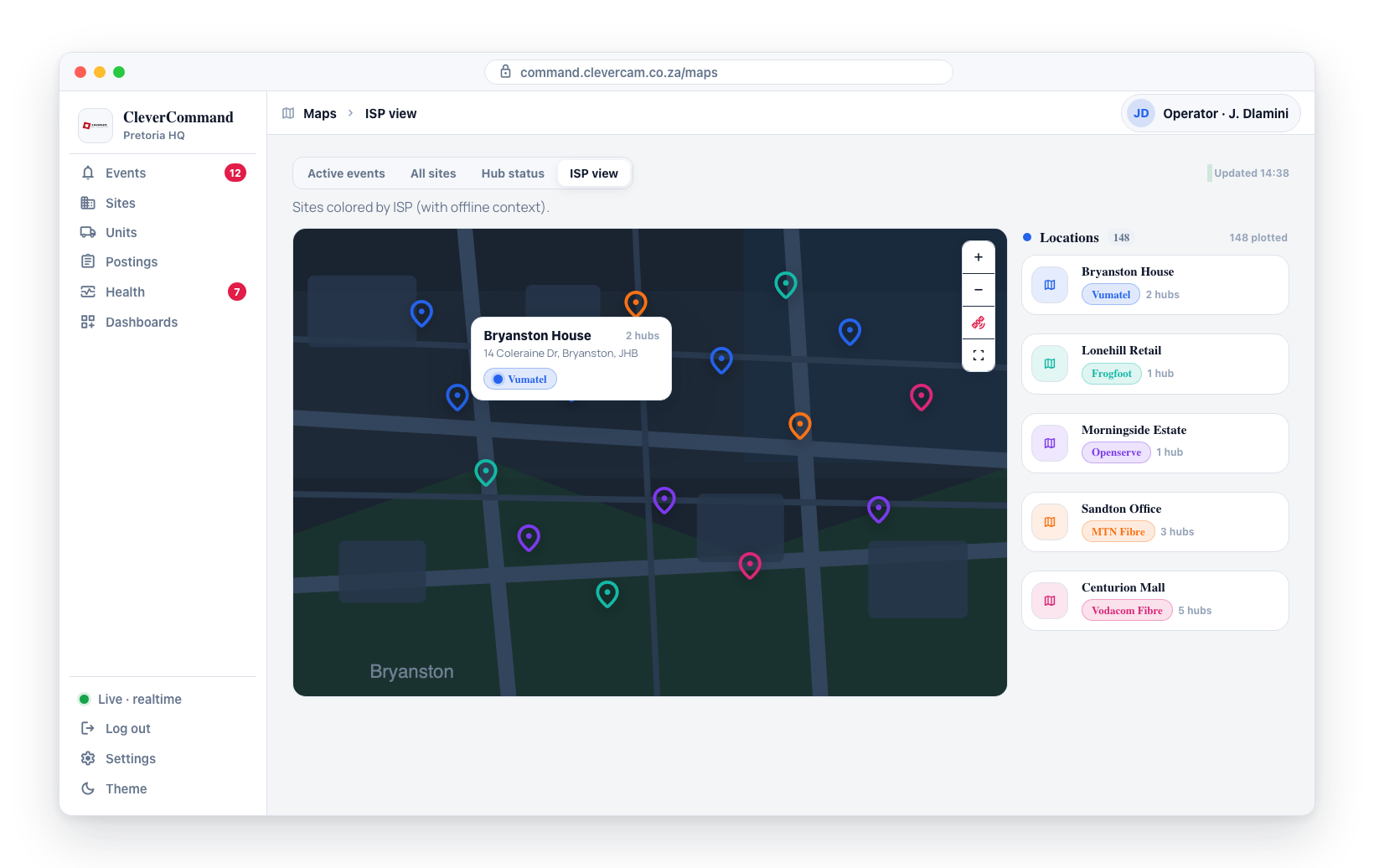
The ISP Views map colors each site marker based on its internet service provider (ISP). This specialized view helps operators identify ISP-specific issues -- when multiple sites using the same internet provider go offline simultaneously, the map makes this pattern immediately visible. Instead of investigating individual sites one by one, operators can identify the root cause as a service provider outage.
Accessing ISP Views
- Open the supervisor toolbox at /more — it has no sidebar entry, so browse to the address directly (Supervisors only, in control rooms with the Advanced Alarm Handling module — why) — then open the Maps tab
- Switch to the ISP view
- The map loads with all sites colored by their assigned internet provider
Color Palette
The ISP view uses a 9-color palette to differentiate between providers:
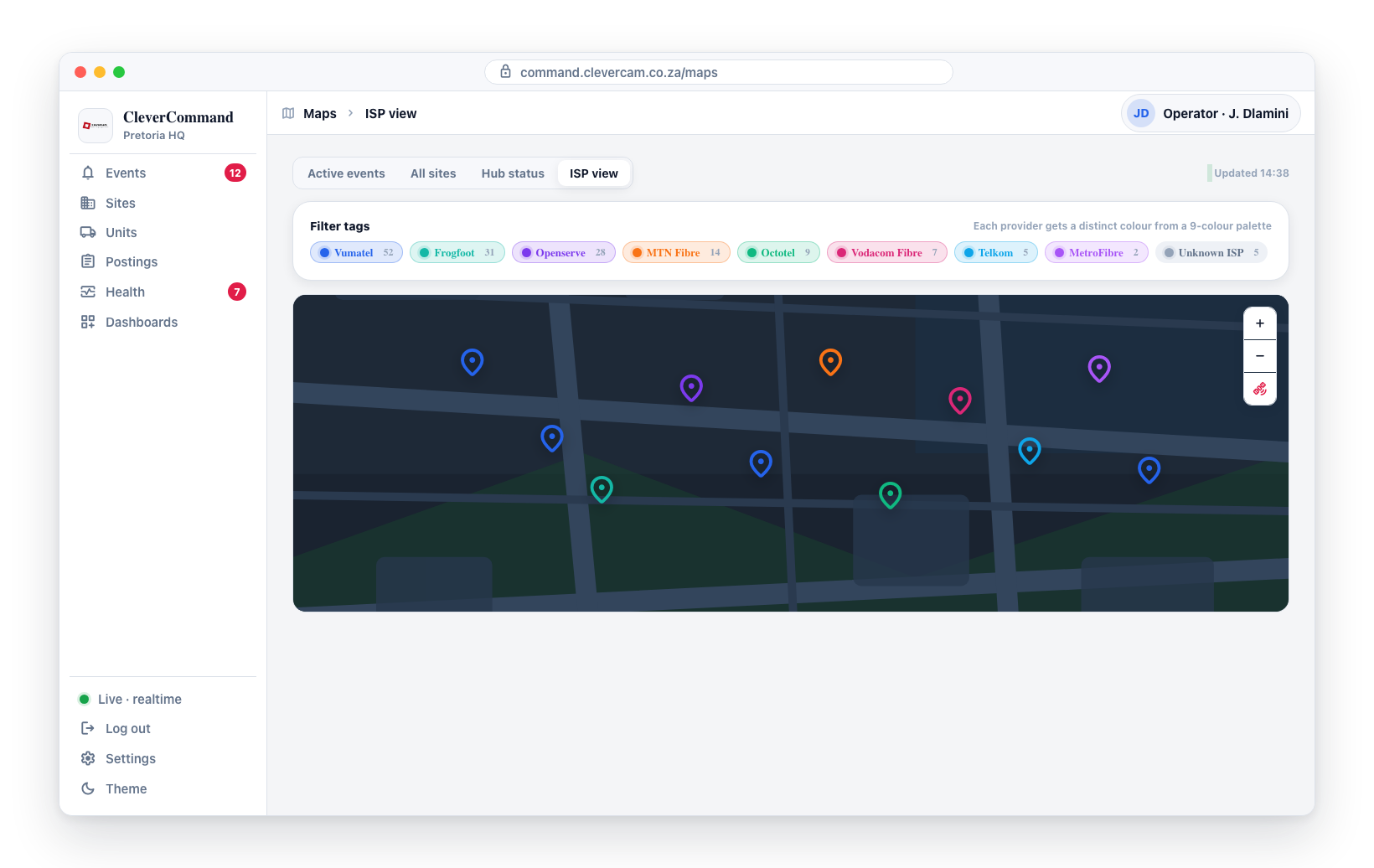
- Each provider is assigned a distinct color from the palette
- A legend on the map shows which color corresponds to which provider
- If there are more than 9 providers, less common ones may share colors (the legend clarifies which is which)
Identifying ISP Outages
The primary use case for ISP Views is outage identification:
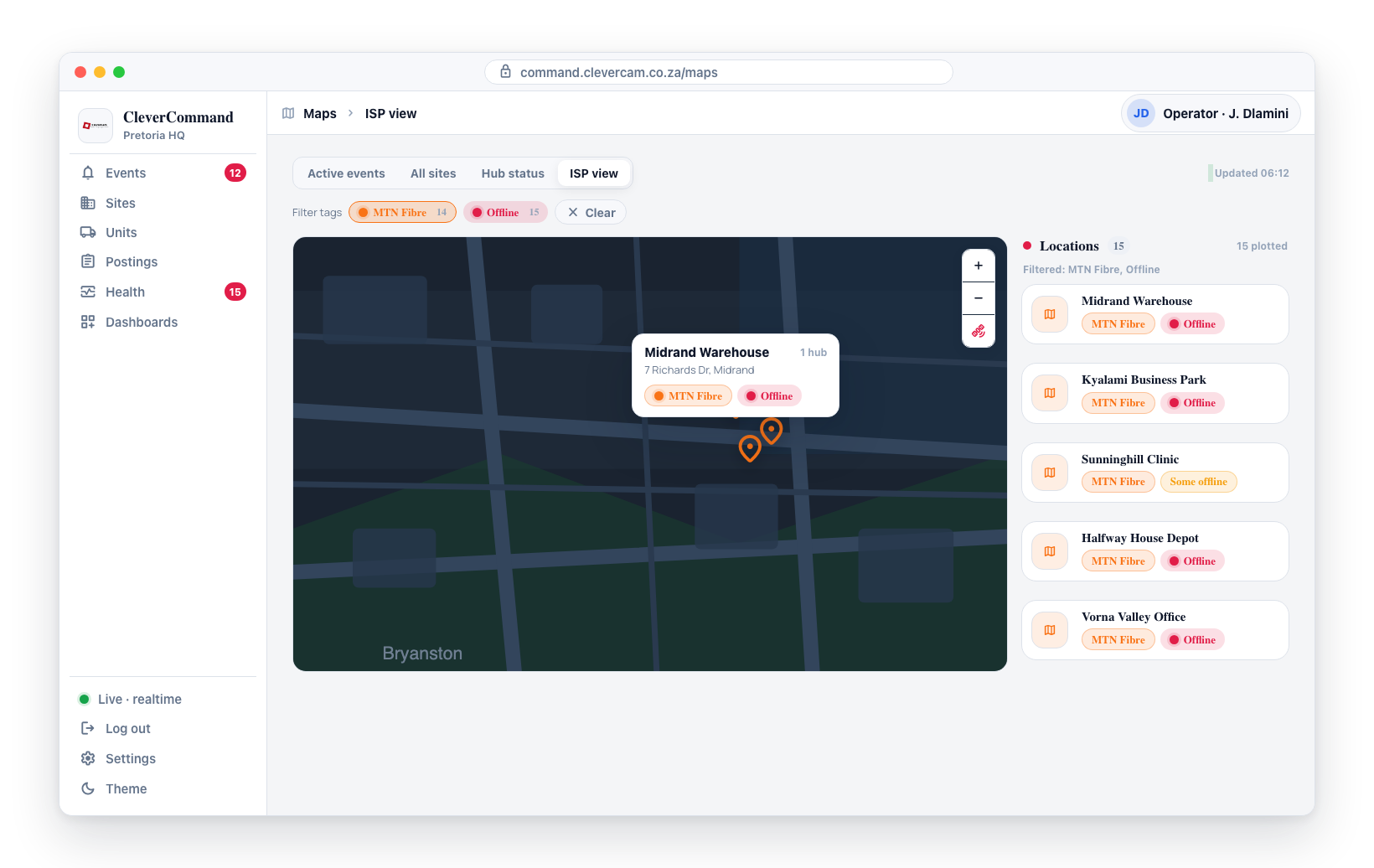
- You notice multiple hubs going offline on the Health page or Hub Status Map
- Switch to the ISP Views map
- Check whether the offline sites share the same internet provider (same color on the map)
- If they do, the issue is likely a service provider outage, not individual site problems
ISP Outage vs. Site Issue
| Pattern | Likely Cause | Action |
|---|---|---|
| Multiple same-color sites offline in same area | ISP outage | Report to supervisor, monitor for recovery |
| Single site offline, neighbors are fine | Site-specific issue | Send field technician to investigate |
| Multiple different-color sites offline in same area | Power outage or infrastructure issue | Report as a regional infrastructure problem |
Cross-Reference Workflow
The ISP Views map works best when combined with the Hub Status Map:
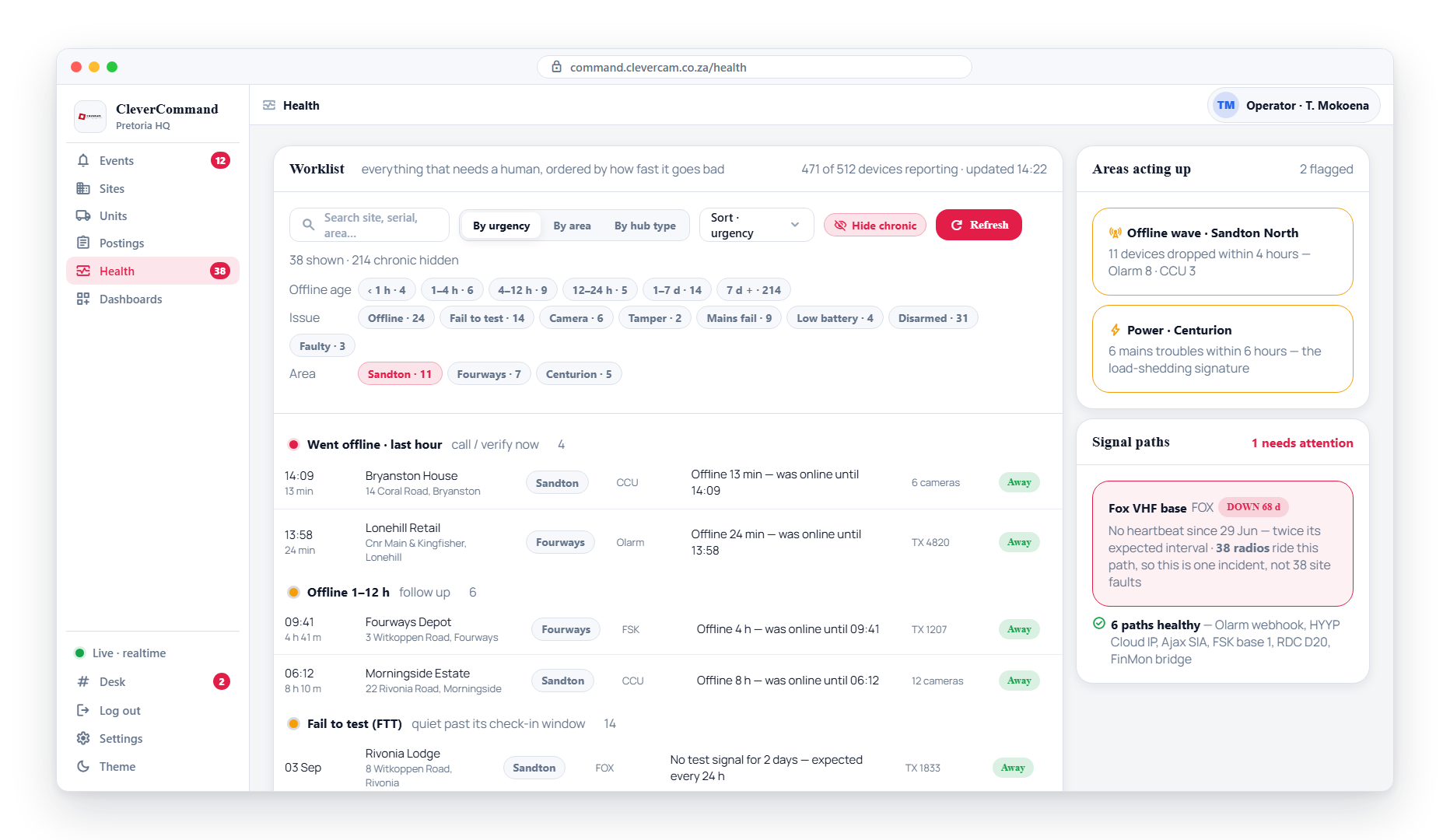
- Open the Hub Status Map and identify which sites are offline (red markers)
- Switch to ISP Views and check whether those offline sites share an internet provider
- If they share a provider, you have identified the root cause without any site visits
- Report the outage and monitor for recovery
When you receive a burst of hub-offline notifications early in your shift, the ISP Views map is the fastest way to determine whether it is a widespread provider outage or unrelated individual failures. This triage step can save your field team from unnecessary site visits.
ISP Distribution Analysis
Beyond outage identification, the ISP Views map provides useful planning information:
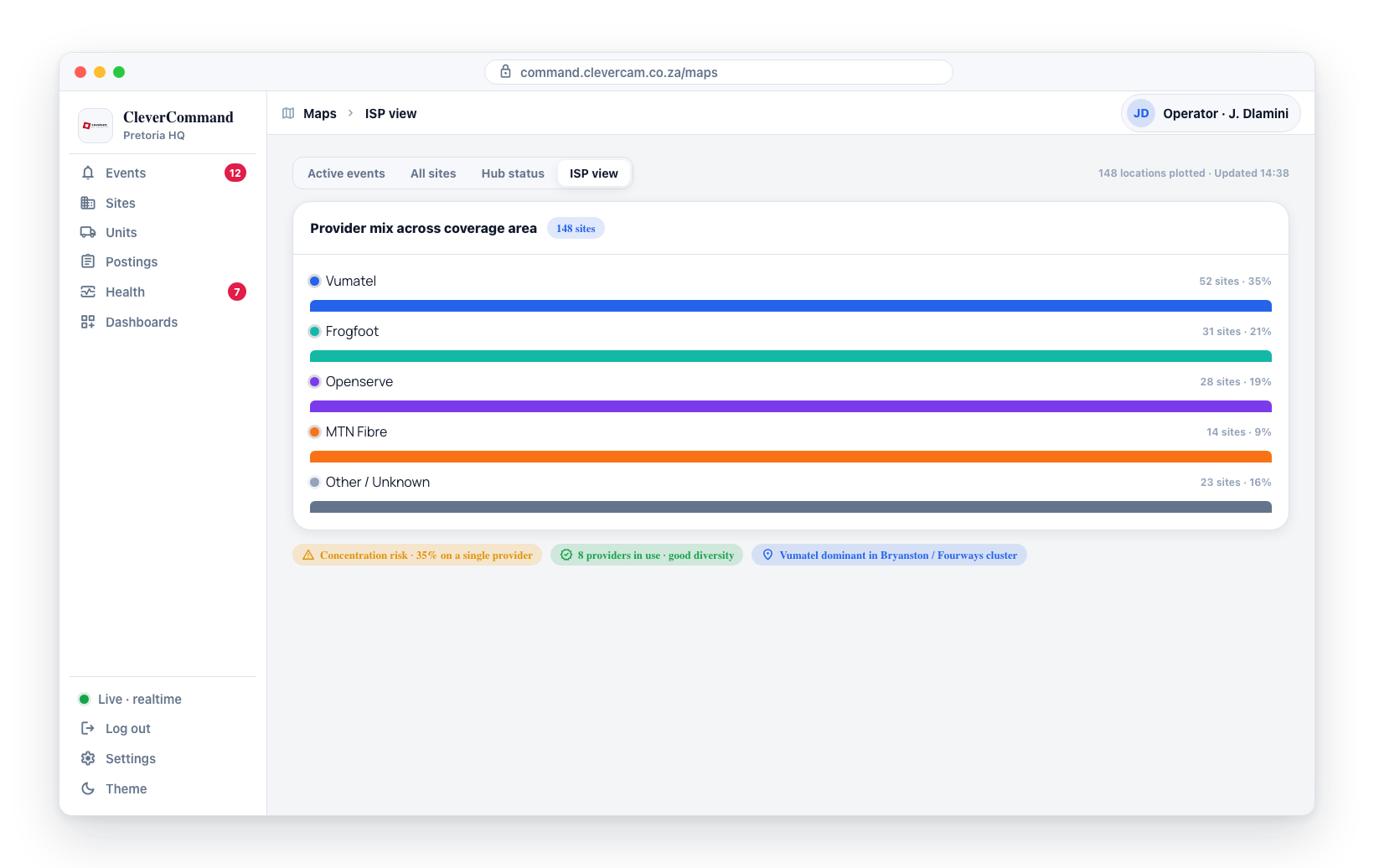
- Provider concentration risk -- If most of your sites use a single internet provider, an outage from that provider would have a large impact
- Diversity assessment -- A mix of providers across your coverage area provides better resilience
- Regional patterns -- Some providers dominate in certain geographic areas
Internet provider assignments are configured in the system and may not always be current. If you believe an assignment is incorrect for a site, report it to your company administrator so they can update the records.
Practical Example
Imagine you are monitoring 200 sites and suddenly 15 hubs go offline within a few minutes. Without the ISP view, you might think 15 separate issues have occurred. By switching to ISP Views, you see that all 15 sites are the same color (same internet provider), clustered in the same region. You can immediately identify this as a provider outage, report it to your supervisor, and monitor for recovery -- all without dispatching a single field technician.