Frequently Asked Questions
Here are answers to the most common questions from CleverAlert users.
General
How many cameras can I add?
The number of cameras you can add depends on your Clever Hub model and your subscription plan. A standard hub supports up to 16 cameras, though performance may vary based on camera resolution and detection settings. Contact your installer or service provider for the specific limits of your setup.
What internet speed do I need?
For reliable operation, your site needs:
| Usage | Minimum Speed | Recommended Speed |
|---|---|---|
| Event processing only (no live view) | 2 Mbps upload | 5 Mbps upload |
| Live view (single camera) | 2 Mbps upload + 2 Mbps download on your phone | 5 Mbps each direction |
| Live view (multiple cameras) | 5 Mbps upload | 10+ Mbps upload |
The upload speed at the site is the most important factor, as the hub needs to send video and event data to the cloud.
Can I share access with other people?
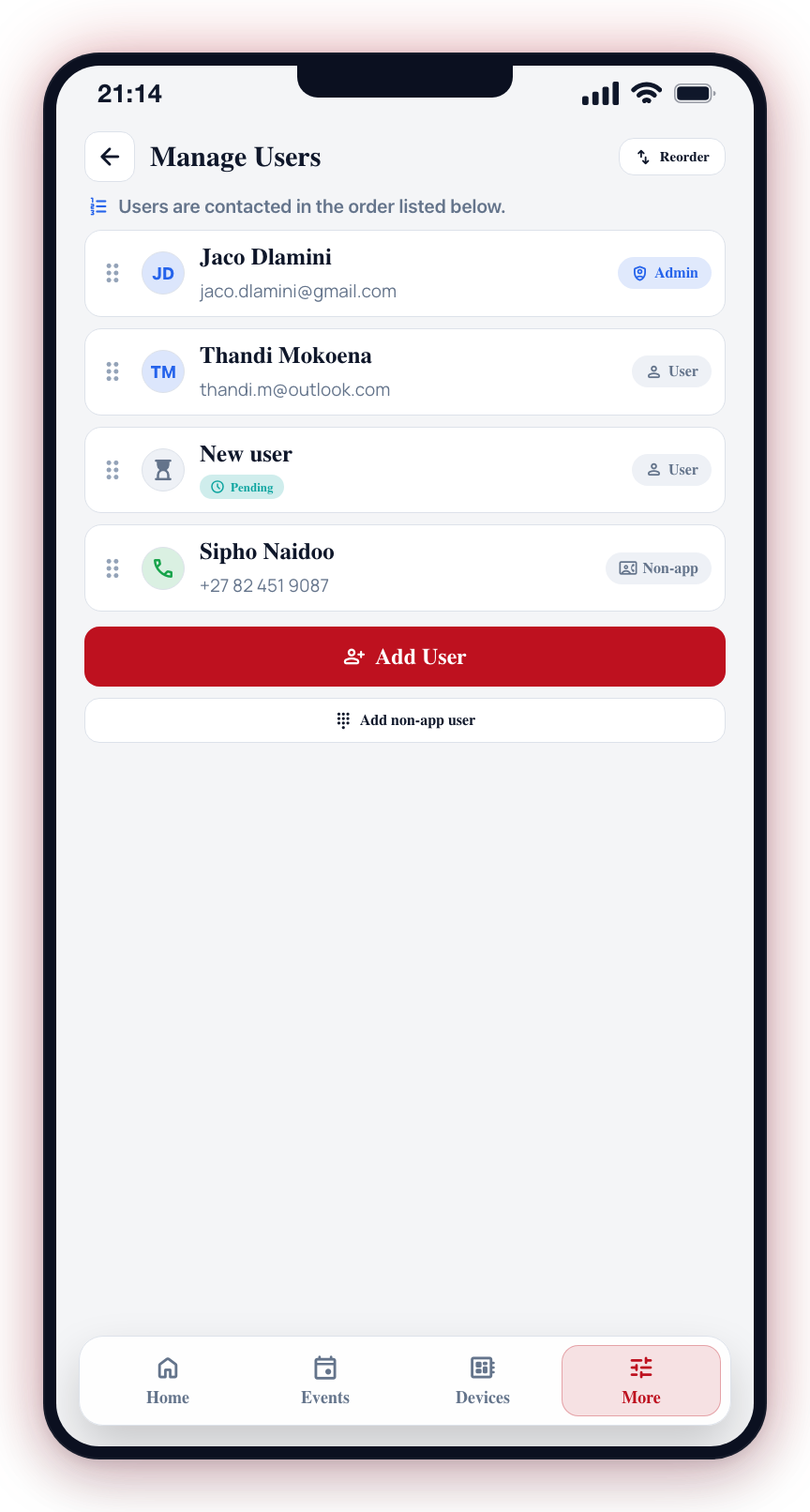
Yes. As a site administrator, you can add users to your site by generating an invite code or QR code. The new user scans the QR code or enters the 4-character invite code in their CleverAlert app to join. See Manage Users for instructions. Each user gets their own account with their own login credentials and notification settings.
Does CleverAlert work without internet?
No. CleverAlert requires an internet connection at both your site (for the hub) and on your phone (for the app). The hub sends events to the cloud, and the app retrieves them from the cloud. Without internet, the hub will continue to operate locally but events will not reach the app or your monitoring service until connectivity is restored.
Is my data secure?
CleverAlert uses encrypted connections for all communication between the app, the cloud, and the hub. Event data, photos, and video streams are encrypted in transit. Account credentials are stored securely and never in plain text.
Cameras and Hubs
What camera brands are supported?
CleverAlert supports any IP camera that provides an RTSP video stream. Most major brands are supported, including Hikvision, Dahua, Axis, Hanwha, Uniview, and many others. Cameras that support ONVIF are easiest to set up. See ONVIF Discovery for more details.
Can I use wireless (Wi-Fi) cameras?
Yes, as long as the Wi-Fi camera provides an RTSP stream and is connected to the same network as the Clever Hub. However, wired cameras are recommended for reliability. Wi-Fi cameras may experience intermittent connectivity that affects detection performance.
How do I restart my hub remotely?
You can restart your hub from the app. See Manage Hubs for instructions. If the hub is offline and you cannot reach it through the app, you will need physical access to power cycle it.
What happens if my hub goes offline?
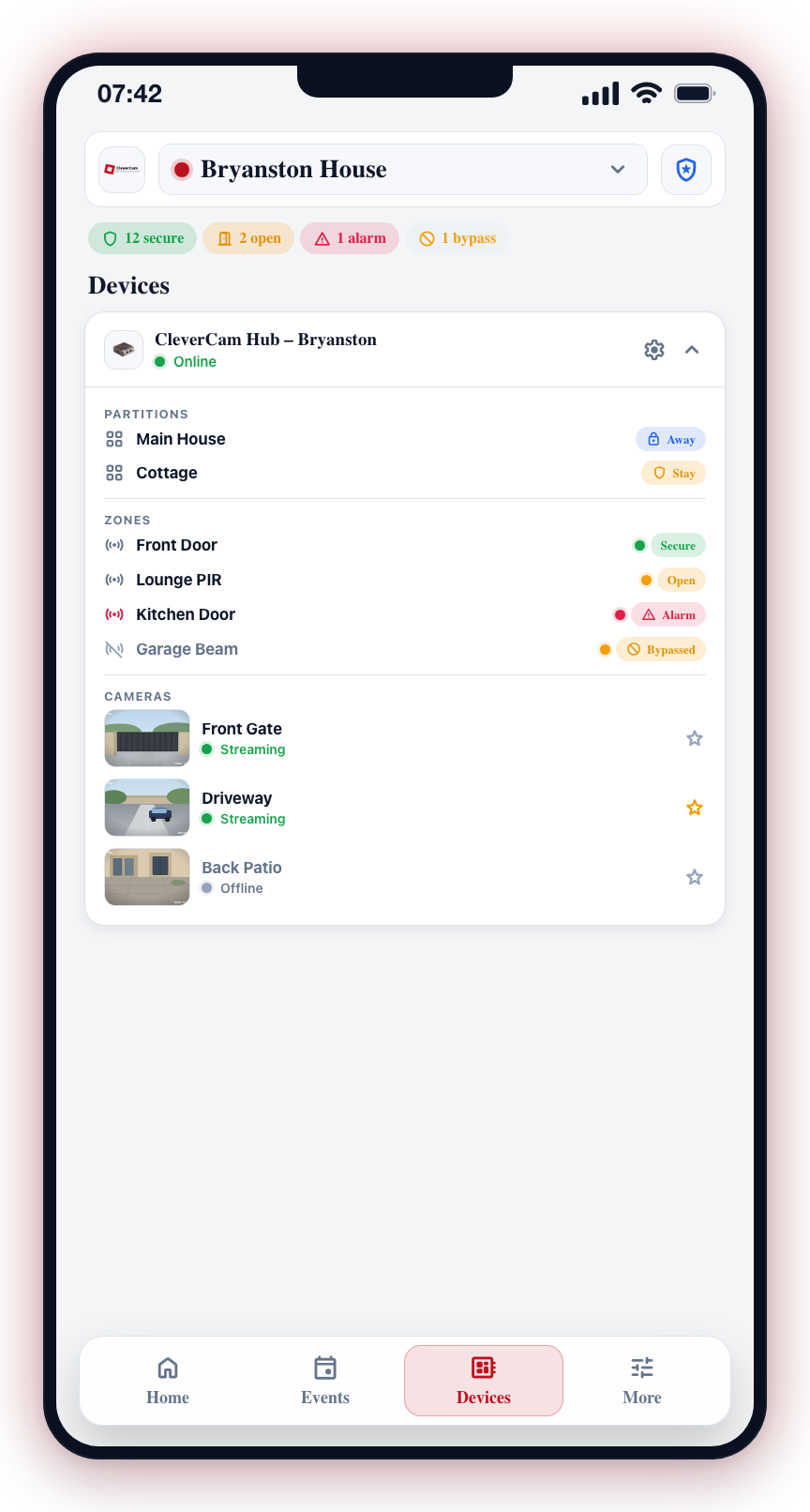
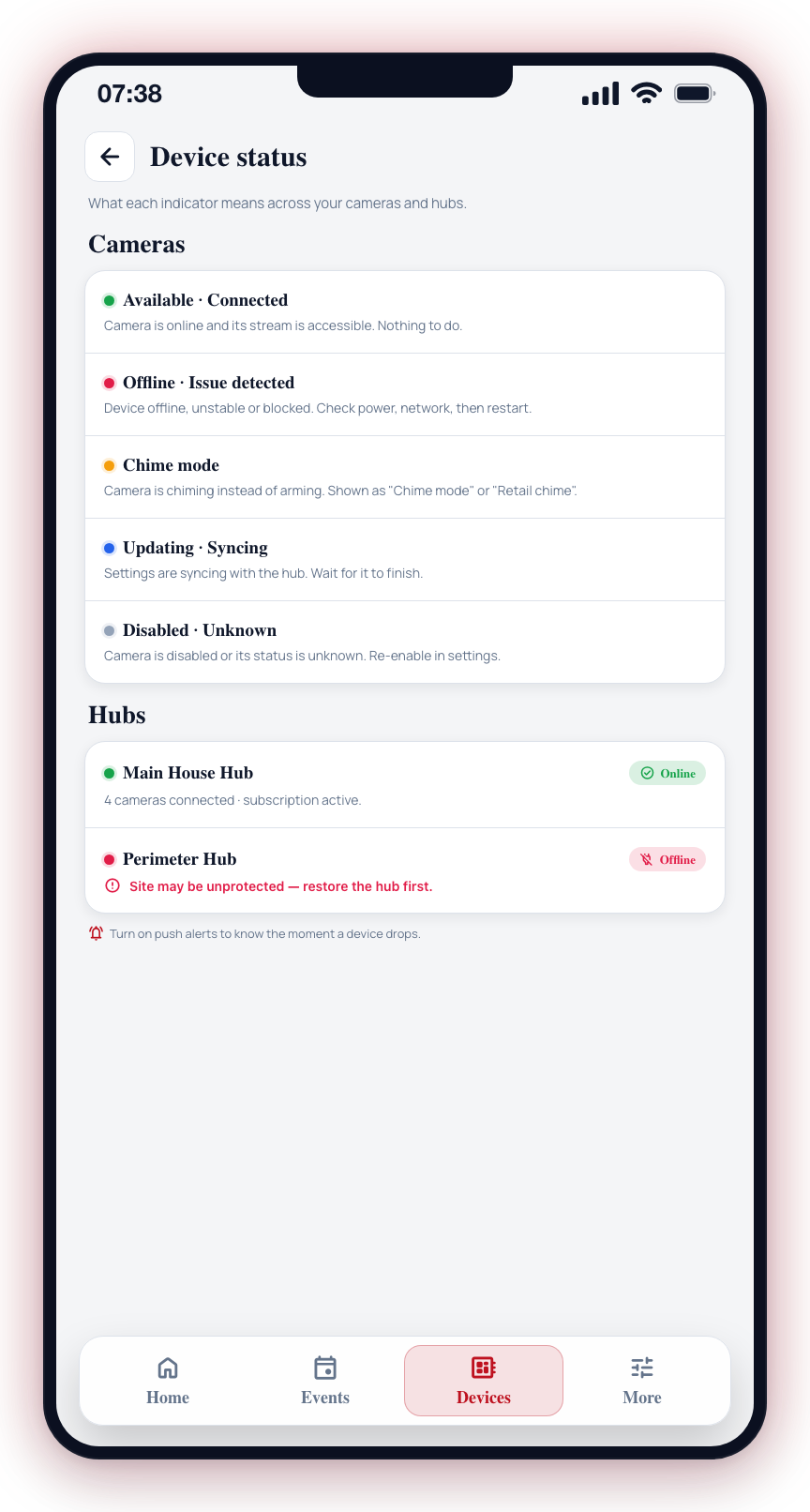
When a hub goes offline, all cameras connected to that hub will stop generating events and alerts. Events that occur during the outage will not be captured. The hub will attempt to reconnect automatically when internet access is restored. See Connection Issues for troubleshooting steps.
Events and Detection
Why am I getting false alarms?
False alarms can be caused by several factors:
- Trees, bushes, or vegetation moving in the wind
- Animals (cats, dogs, birds) triggering detection
- Shadows and light changes
- Reflections from windows or glass surfaces
To reduce false alarms:
- Apply privacy masks to exclude problematic areas (see Privacy Masking)
- Adjust the camera's detection sensitivity and routing settings (see Detection Routing)
- Review vehicle detection settings (see Camera Settings)
What are the different detection tiers?
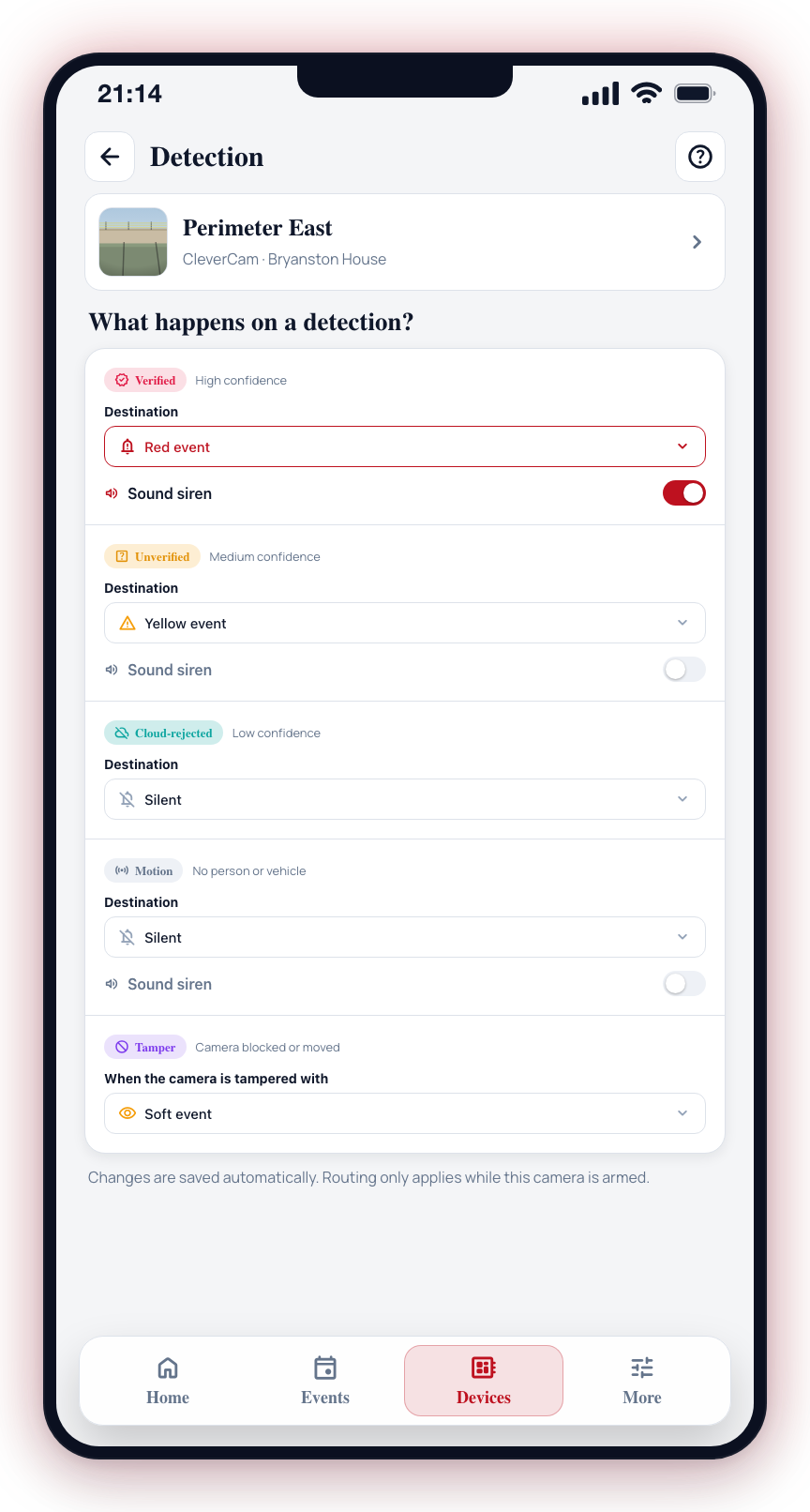
CleverAlert uses a 5-tier system to classify detections by confidence and type. Tier 1 is the highest confidence (verified events) and Tier 5 is camera metadata. See Detection Tiers for a full explanation.
How long are events stored?
Event retention depends on your subscription plan. Contact your service provider for details about your specific retention period. Events include photos, notes, and verification status.
Account and Access
How do I contact support?
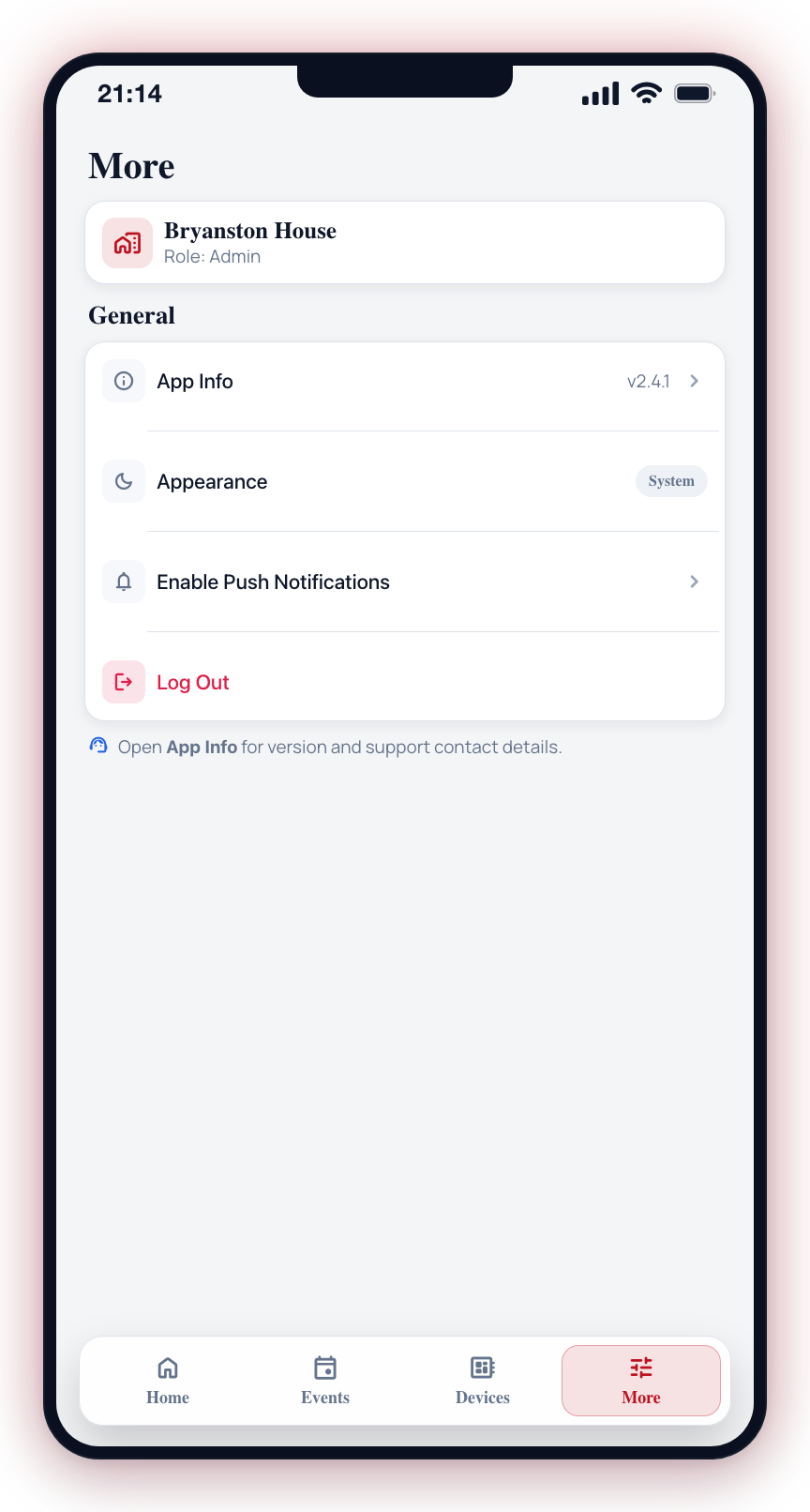
For technical support, contact your security service provider or installer. They can assist with hub issues, camera setup, and account management. You can also find support contact information in the app under More > App Info or More > Help.
Can I use CleverAlert on multiple devices?
Yes. You can sign in to your CleverAlert account on multiple devices simultaneously. Push notifications will be delivered to all devices where you are signed in. Your settings, groups, and schedules sync across all devices.
Why can't I rename my site?
Once a security company monitors your site, the site's name is theirs to set — it is the name their control room, responders and invoices use, so the app refuses a rename with The site name is set by your security company. You can still give the site your own name: open Site information and type it under My nickname for this site (the same field as the notification label under Notification Preferences). Only you see your nickname; it leads the header, the site selector and your push notifications. A site nobody monitors yet can still be renamed as before.
How do I delete my account?
To delete your CleverAlert account, contact your service provider or CleverAlert support. Account deletion removes your profile and disassociates you from all sites. Event history and notes you created will remain in the system for other users.
If your question is not answered here, contact your security service provider or installer for assistance. They can help with site-specific configuration and troubleshooting.