Frequently Asked Questions
This page answers the most common questions about CleverOps. If your question is not covered here, check the Common Issues page for troubleshooting guides, or contact support for further assistance.
General
What is a Virtual Control Room?
A Virtual Control Room (VCR) is a logical operational unit within CleverOps. It represents a control room or division of your security company. All resources -- sites, hubs, operators, response teams, and suburbs -- are organised under a Virtual Control Room. A single company can have multiple Virtual Control Rooms, each operating independently.
How many sites can a Virtual Control Room manage?
There is no hard limit on the number of sites a Virtual Control Room can manage. The practical limit depends on your operational capacity -- how many operators you have to handle events, how many response units you can deploy, and the geographic spread of your sites. Virtual Control Rooms managing hundreds of sites are common.
How do I add a new Virtual Control Room?
To add a new Virtual Control Room to your company:
- Navigate to the Virtual Control Room selection screen (click the CleverOps logo or your company name in the top bar).
- Click the New control room button next to the company you want to add it to.
- Fill in the Control room name and provinces, then click Create control room.
- The new Virtual Control Room appears in the list and you can select it to begin setup.
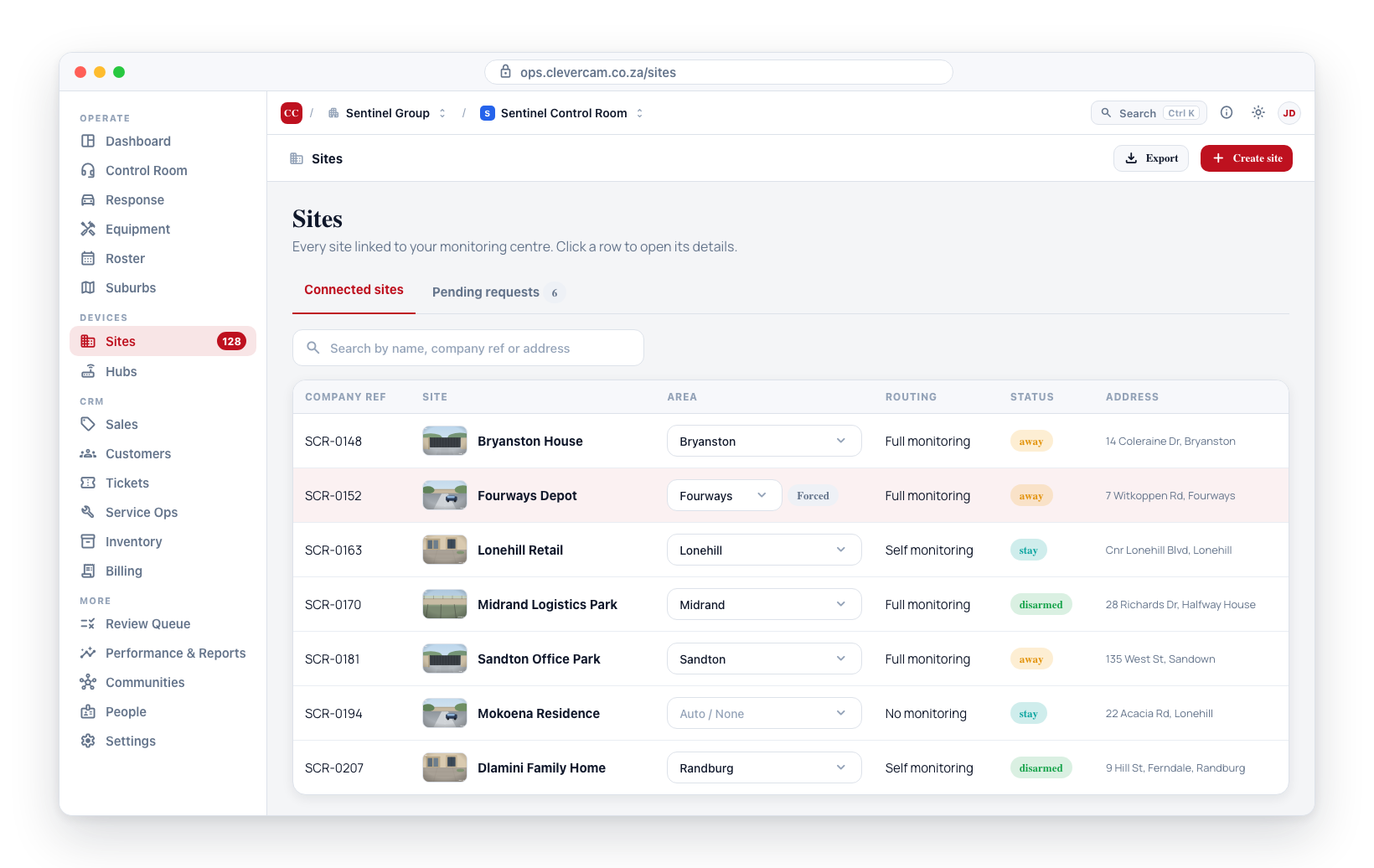
Can I transfer sites between Virtual Control Rooms?
Transferring a site from one Virtual Control Room to another involves disconnecting it from the current Virtual Control Room and reconnecting it to the new one:
- Remove the site from the current Virtual Control Room.
- The site becomes available for connection.
- Accept the site connection in the target Virtual Control Room.
Transferring a site between Virtual Control Rooms may affect historical data such as event logs and performance metrics, as those records are tied to the original Virtual Control Room. Consult with your administrator before transferring active sites.
What browsers are supported?
CleverOps is a web application that runs in any modern browser. Recommended browsers include:
- Google Chrome (latest version)
- Mozilla Firefox (latest version)
- Microsoft Edge (latest version)
- Safari (latest version)
For the best experience, keep your browser updated to the latest version.
Sites and Monitoring
What is the difference between monitoring modes?
CleverOps supports three monitoring modes:
- Full Monitoring -- Your control room handles all events. Best for premium monitoring customers.
- Self Monitoring -- The site owner handles events first; your control room is the backup. Best for cost-conscious customers.
- No Monitoring -- Events go only to the site owner. Your control room is not involved in event handling.
See Monitoring Modes for a detailed comparison.
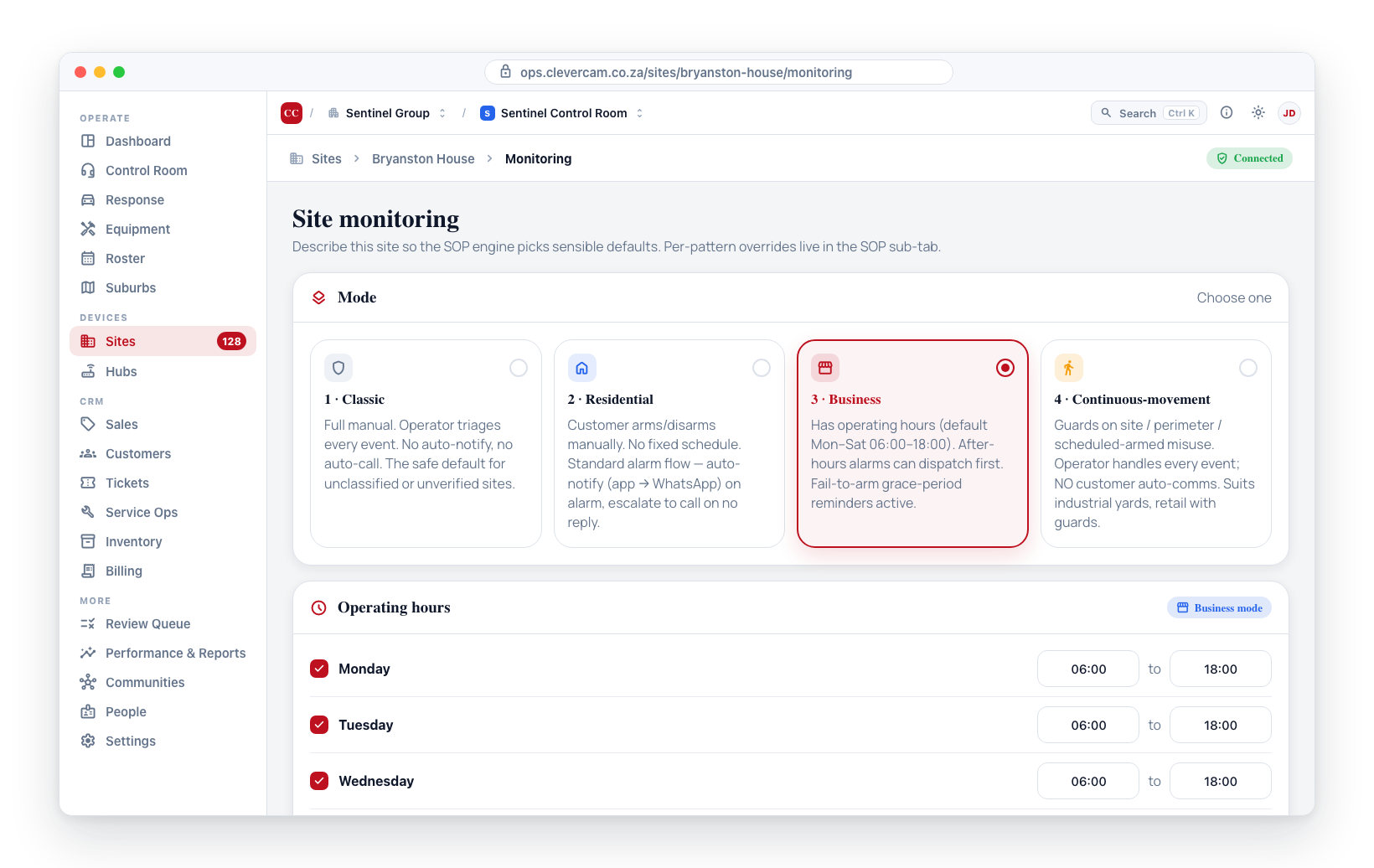
Can I change a site's monitoring mode after creation?
Yes. You can change the monitoring mode at any time from the site details page. The change takes effect immediately.
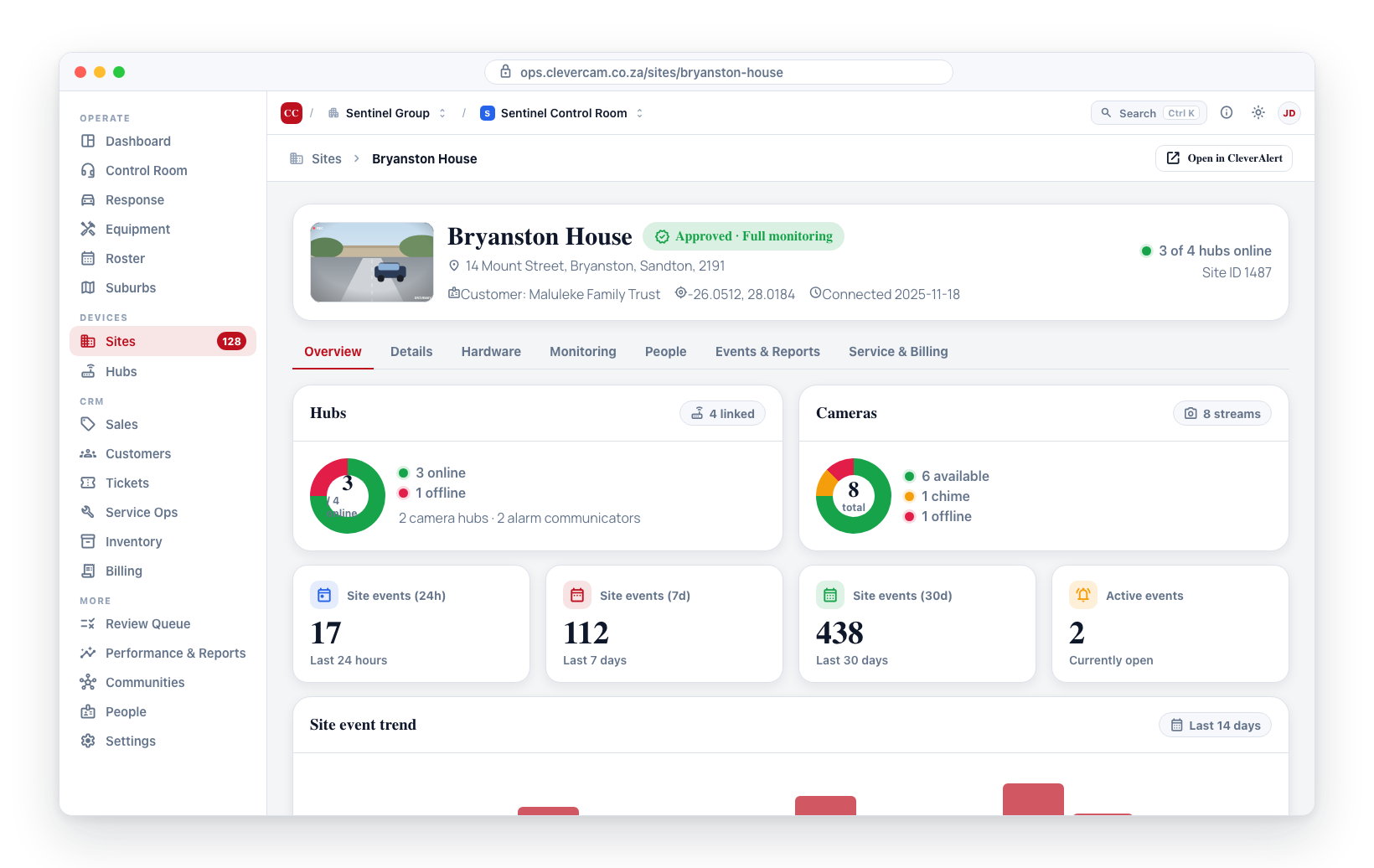
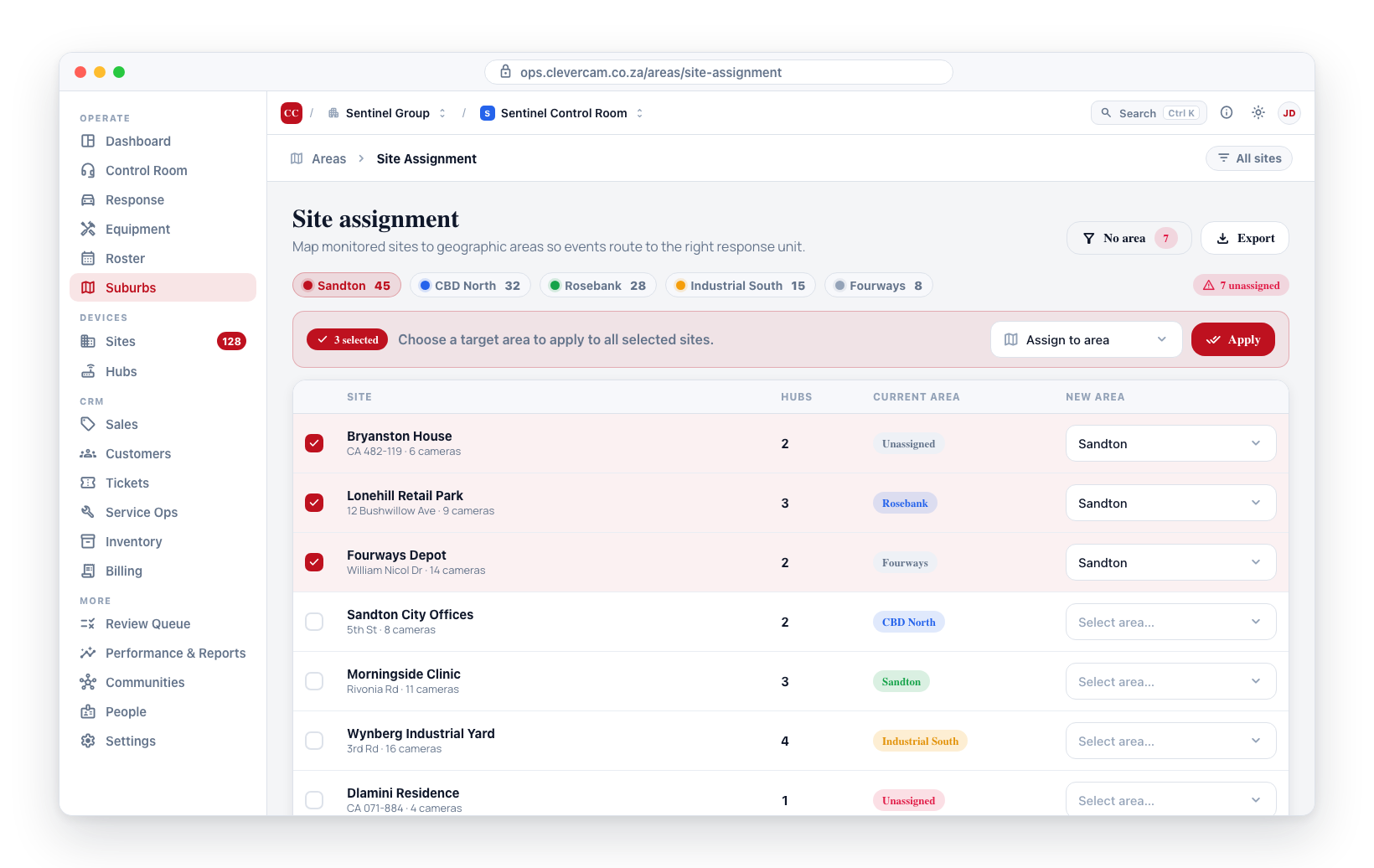
What happens if a site is not assigned to a suburb?
First, check whether it really isn't: you only need to assign a site by hand when its coordinates fall outside every suburb boundary. A site with no manual assignment still resolves into whichever enabled boundary contains it, and dispatch uses that.
A site that is genuinely in no suburb — outside every boundary, or with no coordinates — still gets a response. What it loses is the suburb's ranking: candidate units are ordered on distance alone, with no primary/backup preference, and the site belongs to no branch so no branch cap applies. Find these under Suburbs → Map → Only sites in no suburb, and prefer extending a boundary over pinning each site.
Clever Hubs
What is the difference between a hub and a site?
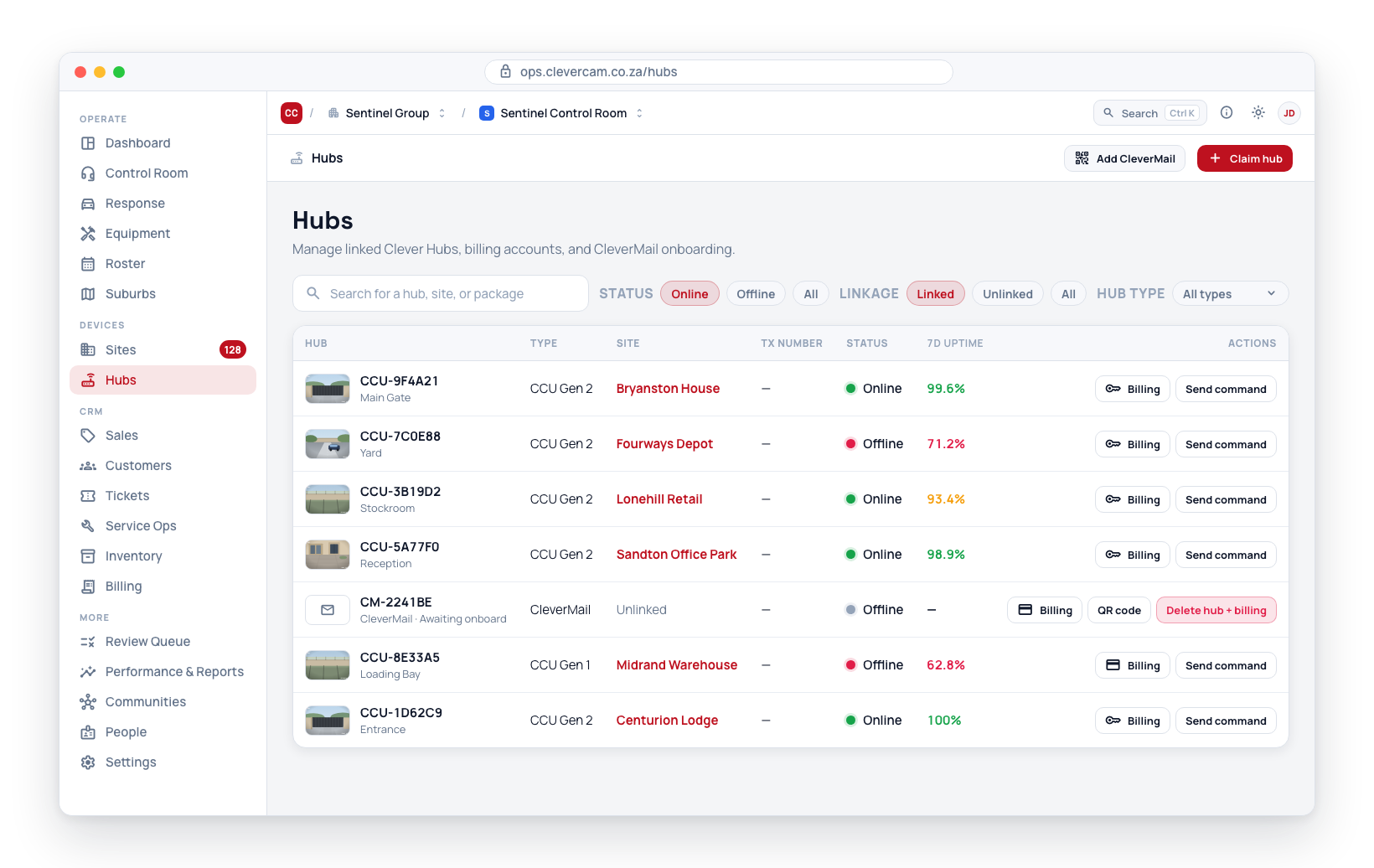
A site is a record representing a physical location (a home, office, etc.). A Clever Hub is the hardware device installed at that location. One site has one Clever Hub. The hub connects the cameras and sensors at the site to the CleverCam cloud.
Can a Clever Hub be linked to multiple sites?
No. Each Clever Hub is linked to exactly one site. If a location requires multiple hubs, multiple site records may need to be created (one per hub), or a higher-capacity hub may be used.
How do I know if a hub needs replacement?
Signs that a Clever Hub may need replacement:
- Persistent offline status despite confirmed power and internet at the site
- Repeated failures to respond to remote commands
- Hardware version significantly behind the current generation
- Firmware cannot be updated to the latest version
Contact your hardware supplier or CleverCam support for replacement options.
Response and Dispatch
How are response units selected for dispatch?
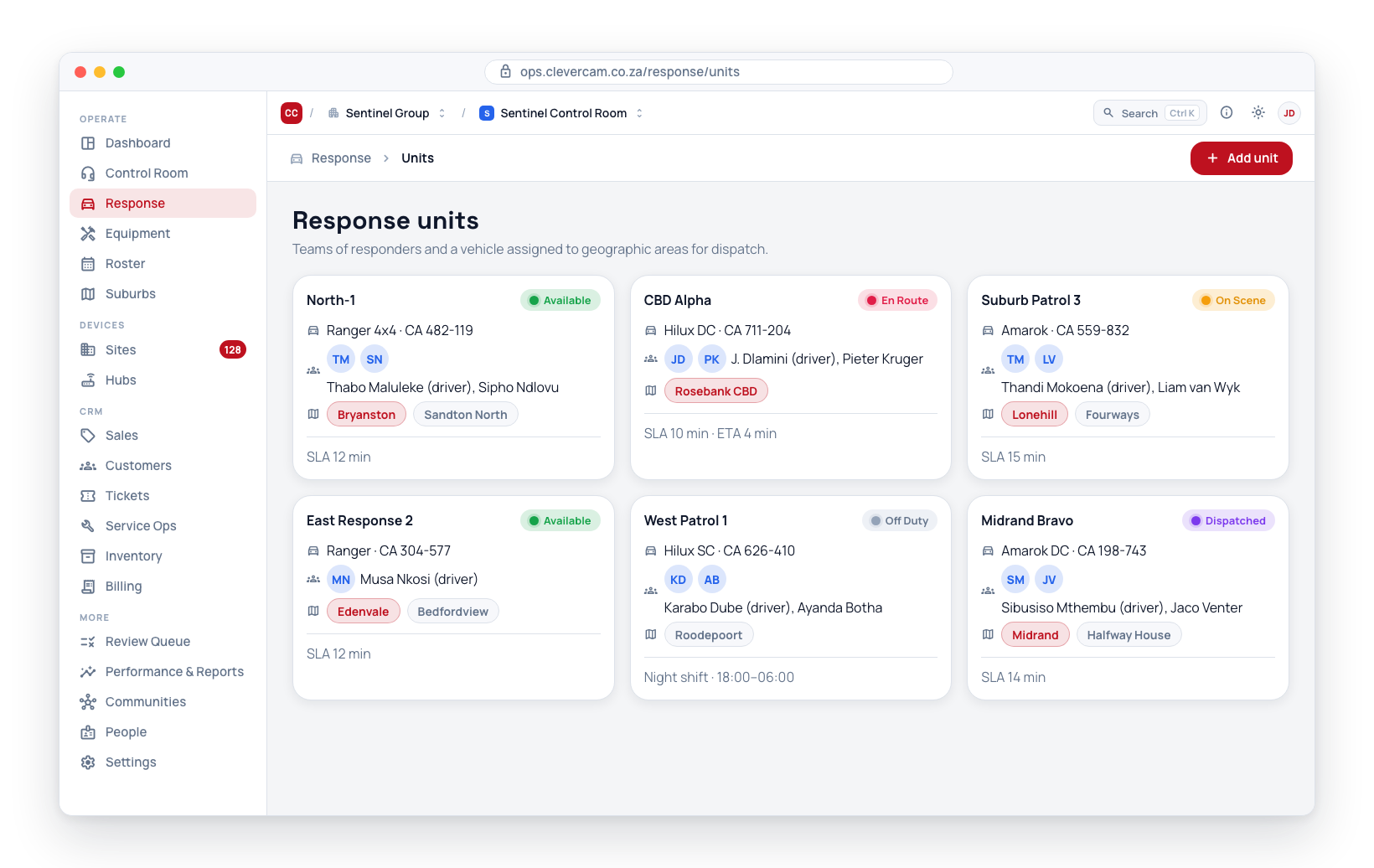
When an event is dispatched, CleverOps determines the appropriate response unit based on:
- Suburb matching -- The event's site suburb is matched to units assigned to that suburb.
- Unit availability -- Only units with an "Available" status are considered.
- Proximity -- If routing is configured, the nearest available unit by road distance is preferred.
What happens if no response unit is available?
If no available unit covers the event's suburb, the dispatch cannot be sent automatically. The event will remain in the queue for manual assignment by a control room operator. This is why it is important to ensure every active suburb has at least one available response unit during operational hours.
Can a response unit cover multiple suburbs?
Yes. A response unit can be assigned to multiple suburbs with a priority order. When creating or editing a unit, you can select one or more suburbs. The priority ordering determines which suburb the unit should respond to first if events occur simultaneously in multiple suburbs.
Performance and SLA
How is SLA compliance calculated?
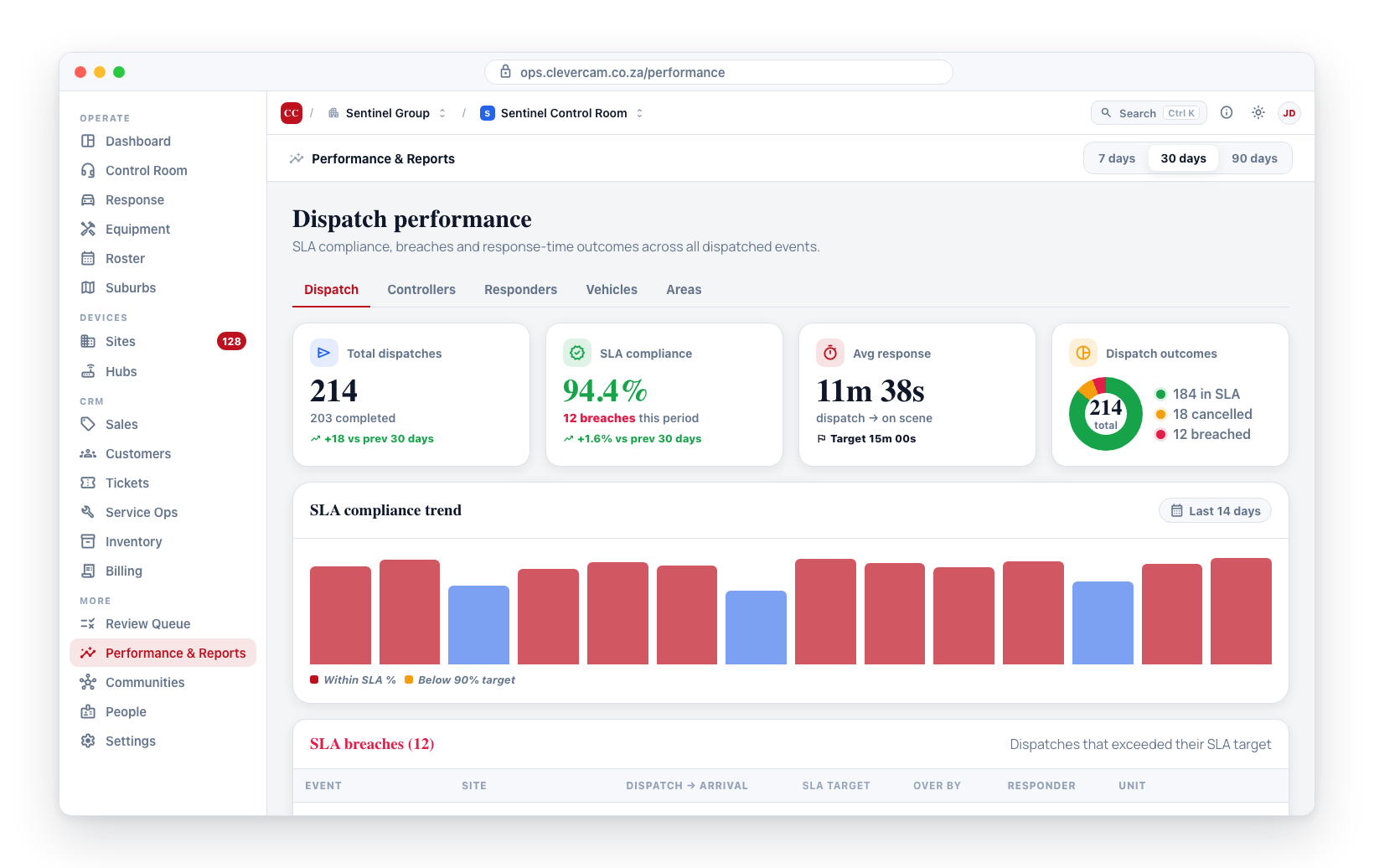
SLA compliance is the percentage of dispatches where the response time (from dispatch to on-scene arrival) was within the defined SLA threshold for that suburb and priority level. For example, if your SLA is 15 minutes and 85 out of 100 dispatches arrived within 15 minutes, your compliance is 85%.
Can I export performance data?
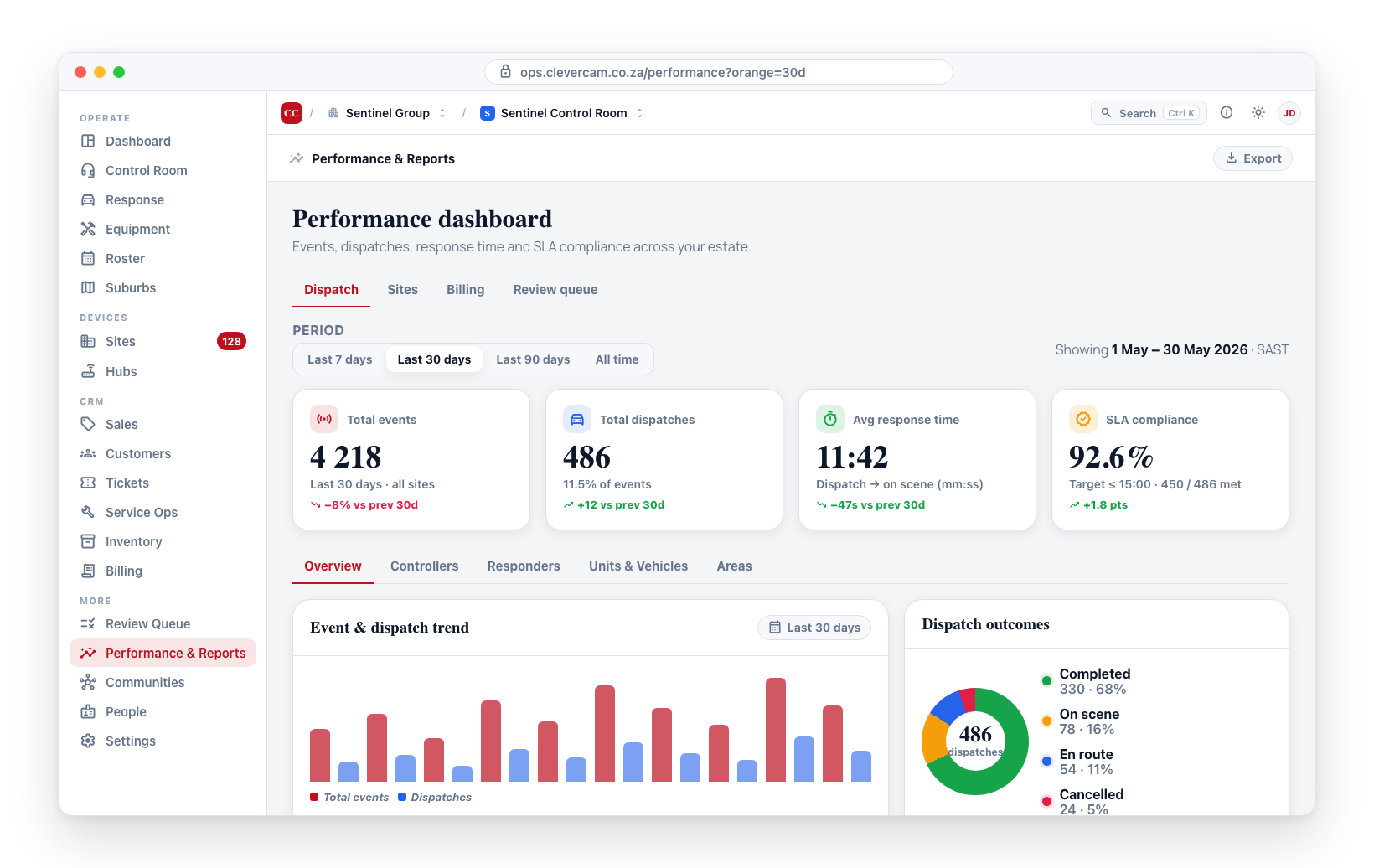
Yes. The Export Reports feature allows you to generate PDF reports for offline sites and billing data from the Performance & Reports page.
Communities
Who can see community alerts?
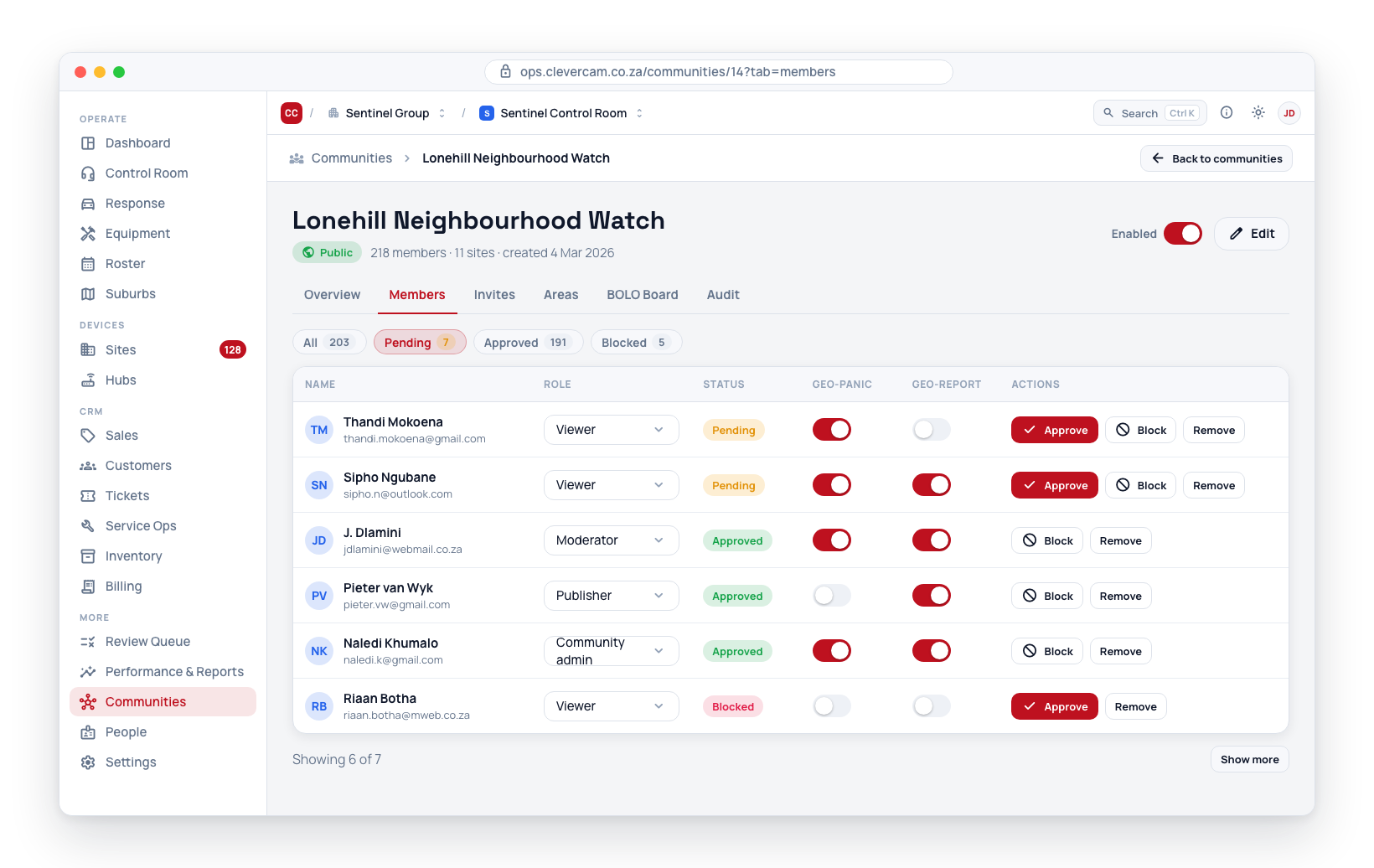
All members of the community can see published alerts, regardless of their role (Viewer, Publisher, or Moderator). Only Publishers and Moderators can create and publish new alerts.
Can a community span multiple Virtual Control Rooms?
Communities are created under a specific Virtual Control Room but can have members from outside your security company. The community is a shared space -- residents, business owners, and community members join to receive and share alerts, regardless of whether they are a monitored site under your Virtual Control Room.
Account and Access
I forgot my password. How do I reset it?
On the sign-in page, click Forgot Password and enter your email address. You will receive a password reset link via email. Follow the link to set a new password. See Sign In for detailed steps.
How do I change my assigned role?
You cannot change your own role — the rule is enforced in the database, not just hidden in the UI. Contact a company owner. They update it by opening you on People and picking the control room under Roles & access.
Can I belong to multiple companies?
Yes. A single email address can be associated with accounts at multiple companies. When you sign in, you will be prompted to select which company you want to access.