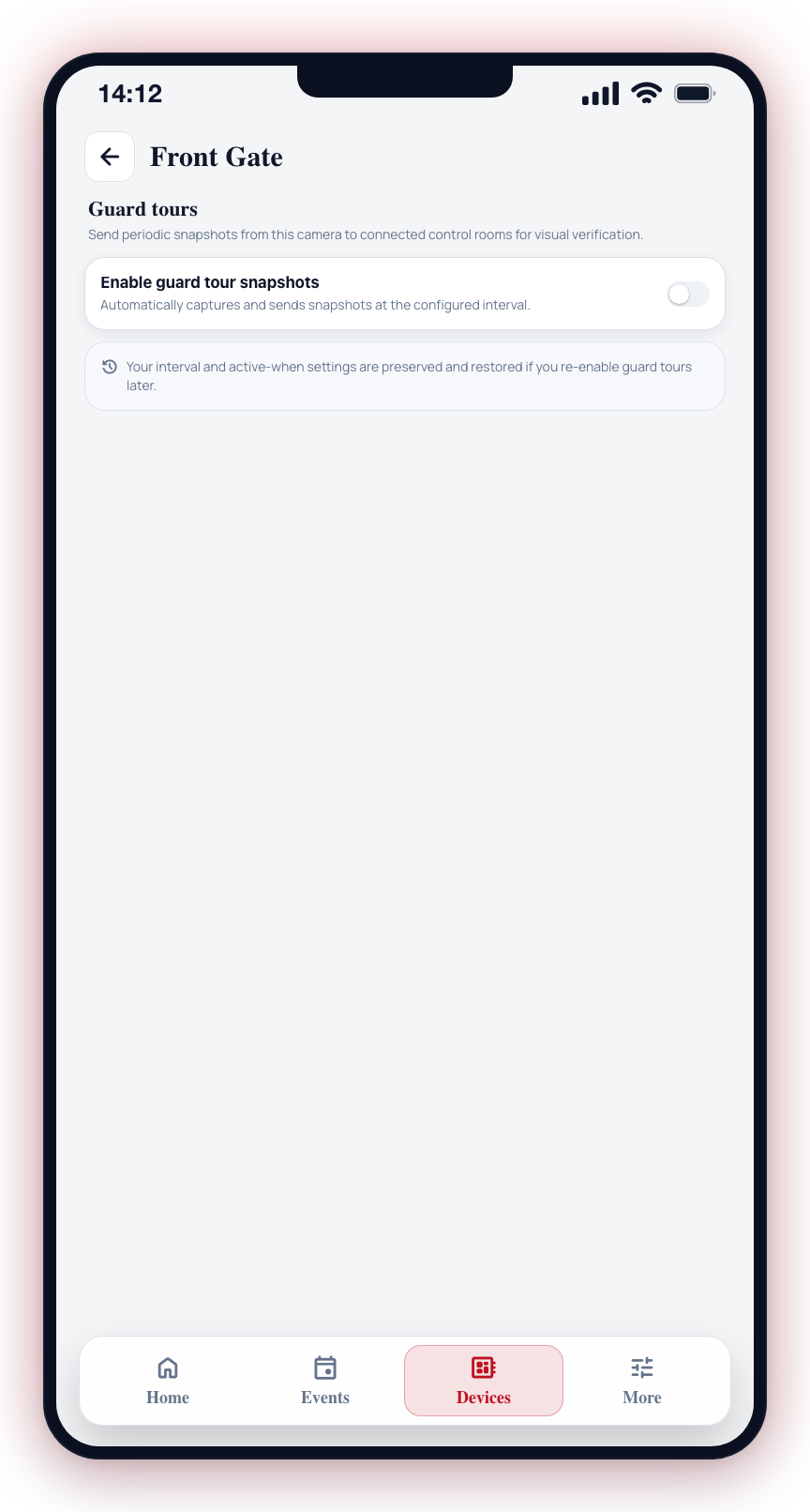
Guard Tours
The camera's detection editor stopped offering a Guard tours section in April 2026 — the code parks it "pending v2 routing integration" — and the standalone Guard tours screen it used to open has had no way in since. Nothing on a camera's Settings leads here, so the walkthrough below describes a screen you cannot currently open.
The feature itself is not gone. Guard tours live on video_streams.guard_tours and are
set from the control room's side in CleverOps, on the camera under
Site details, not from this app. Ask your security company
to set one up.
Guard tours let a camera automatically capture and send snapshots to connected control rooms on a schedule. Instead of waiting for a detection event, the control room receives regular visual check-ins from the camera — useful for remote monitoring of sites where periodic eyes-on verification matters.
Guard tours only work on cameras connected to a native CleverCam Clever Hub. If your camera is on a third-party device, this screen shows an unsupported message.
This feature is in alpha. Behavior may change.
Getting There
- Open the Devices tab.
- Tap a camera to open its camera sheet.
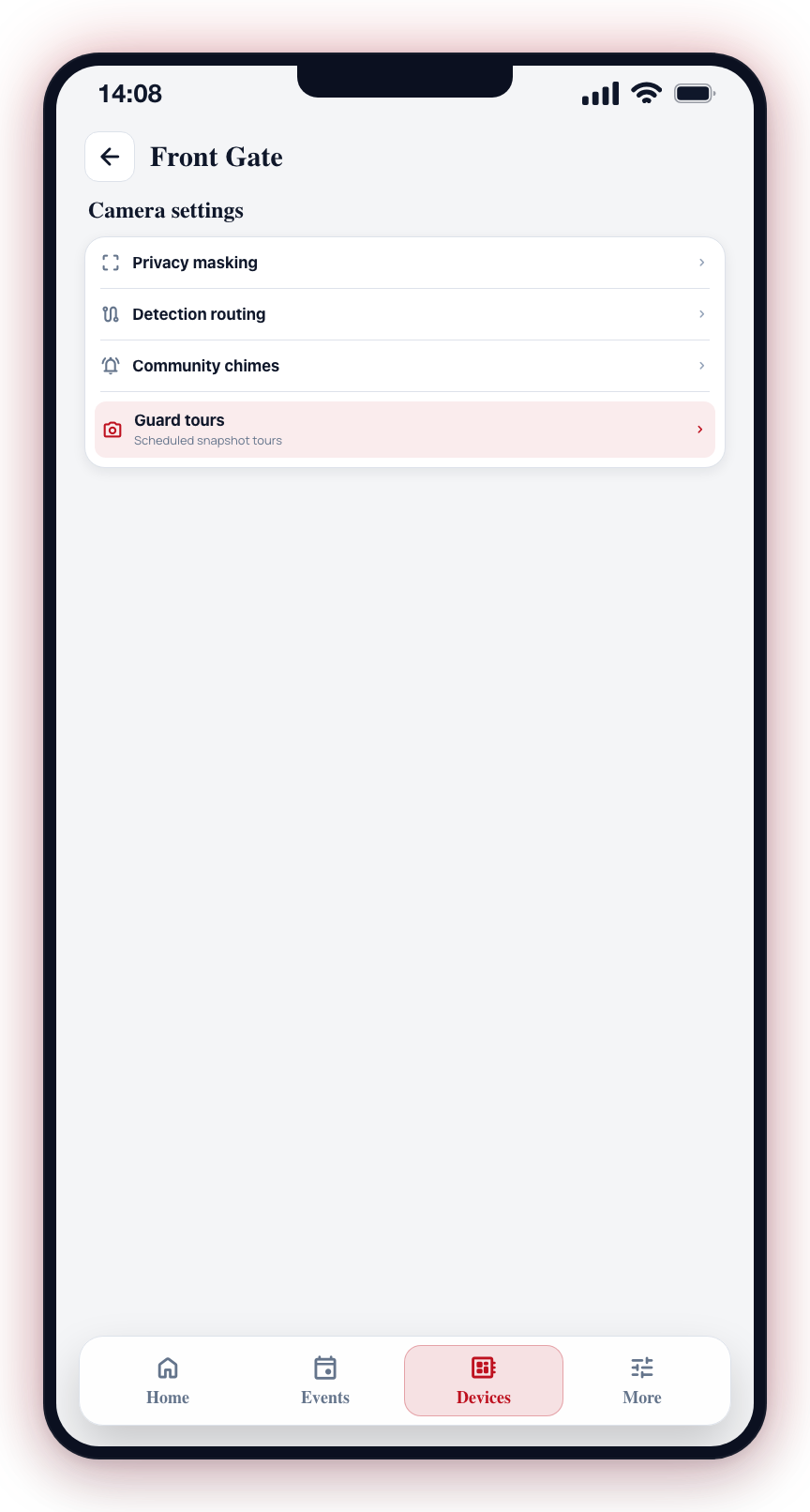
- Tap Settings, then navigate to Guard tours in the camera settings.
Enabling a Guard Tour
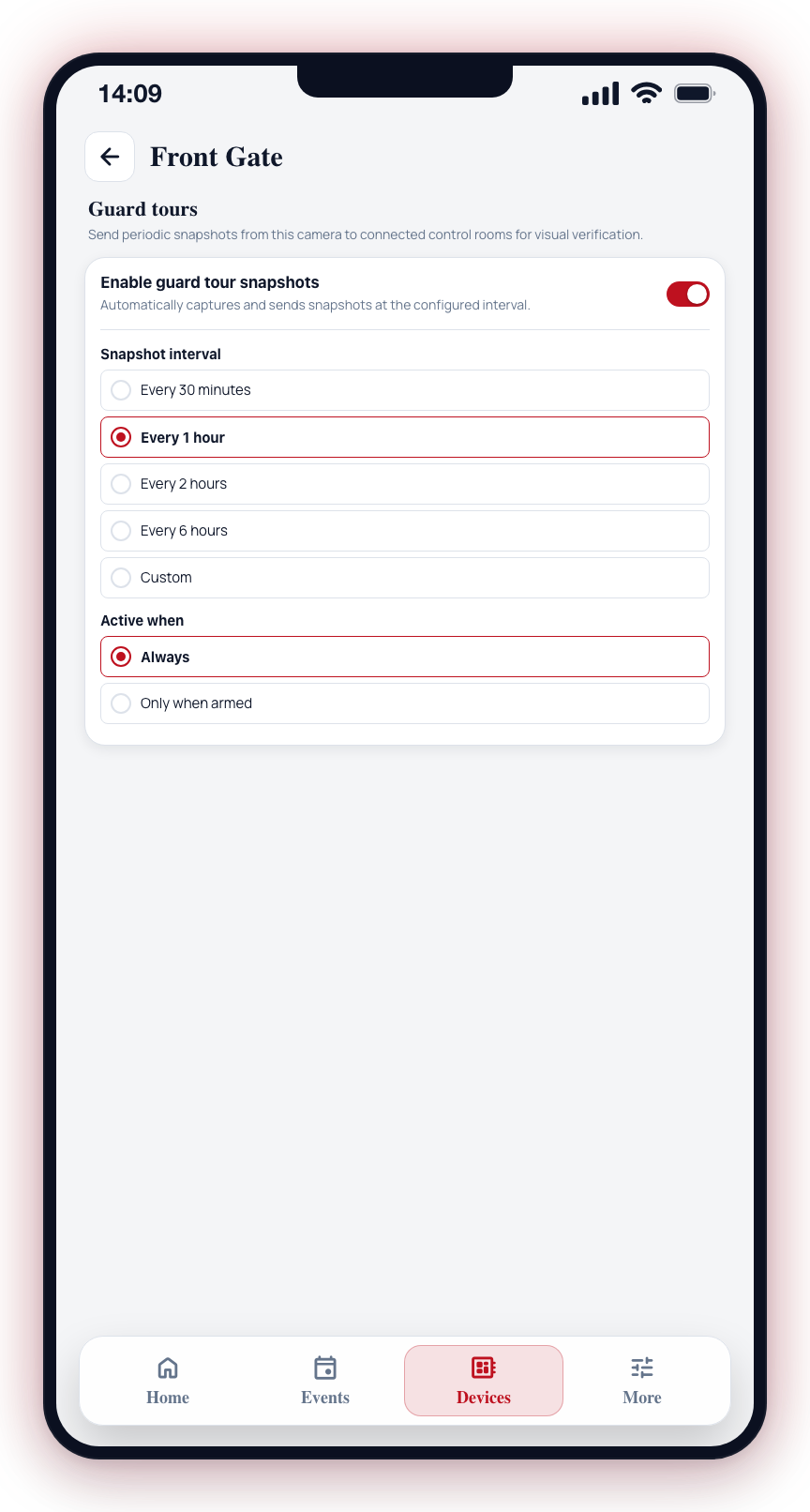
Toggle Enable guard tour snapshots on. Two additional settings appear: Snapshot interval and Active when.
Snapshot interval
How often the camera sends a snapshot. Preset options:
- Every 30 minutes
- Every 1 hour
- Every 2 hours
- Every 6 hours
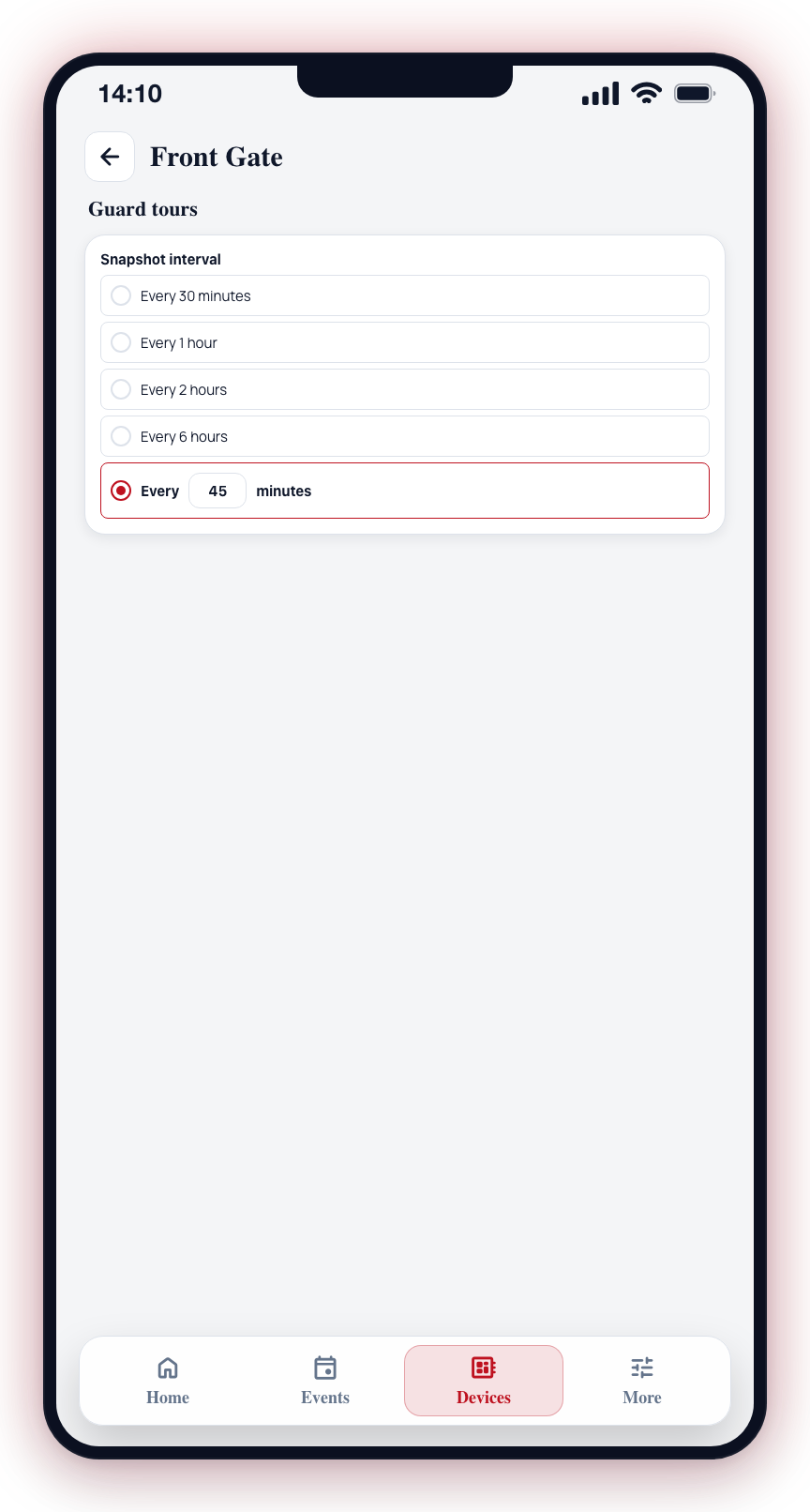
Select Custom to enter any number of minutes manually.
Active when
Controls whether the guard tour runs based on whether the camera group is armed or disarmed:
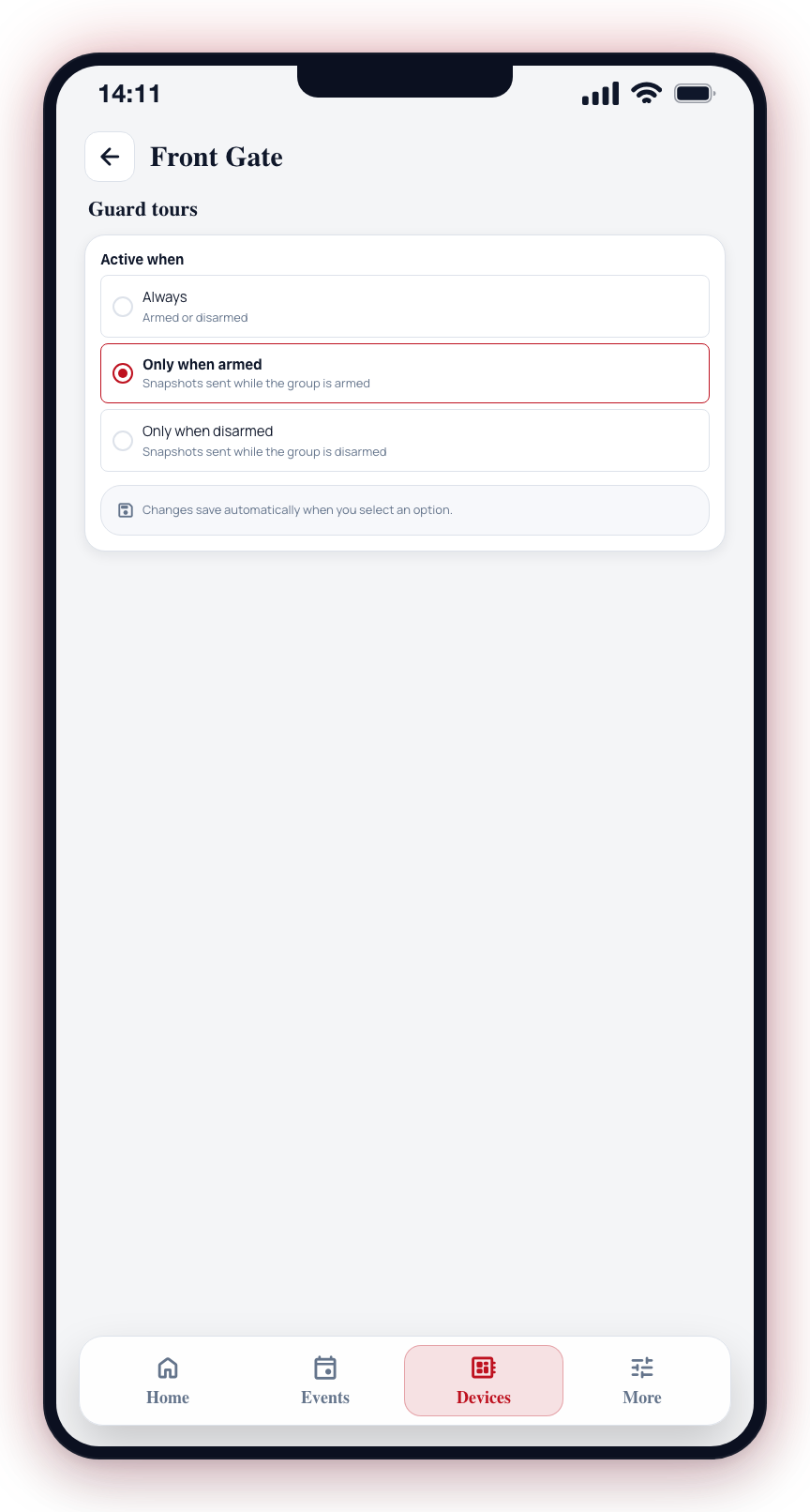
| Option | Behavior |
|---|---|
| Always | Snapshots are sent regardless of whether the group is armed or disarmed. |
| Only when armed | Snapshots are only sent while the group is armed. |
| Only when disarmed | Snapshots are only sent while the group is disarmed. |
Changes save automatically when you select an option.
Disabling
Toggle Enable guard tour snapshots off. The interval and active-when settings are preserved if you re-enable later.